
Paying for foreign services from Russia: guides
In 2026 you can pay for foreign services from Russia with a virtual card from a foreign service: foreign platforms do not accept Russian bank cards.
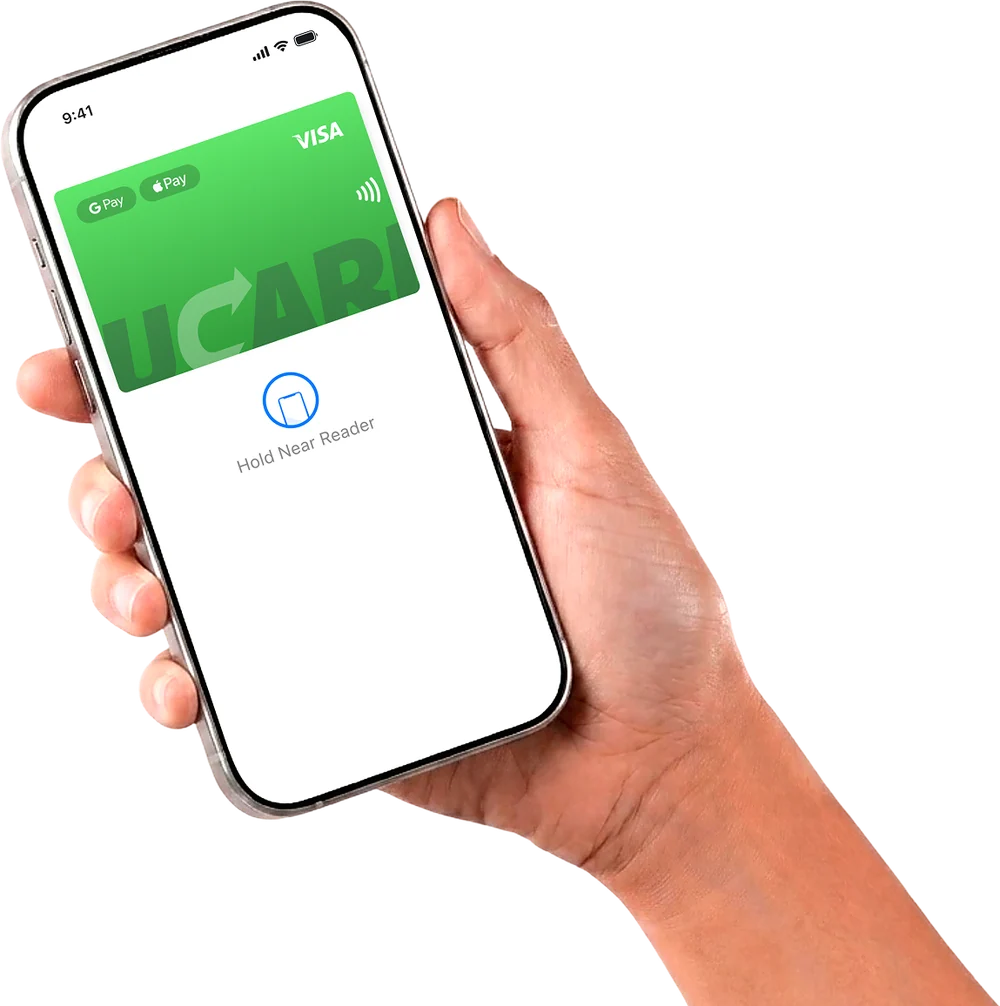
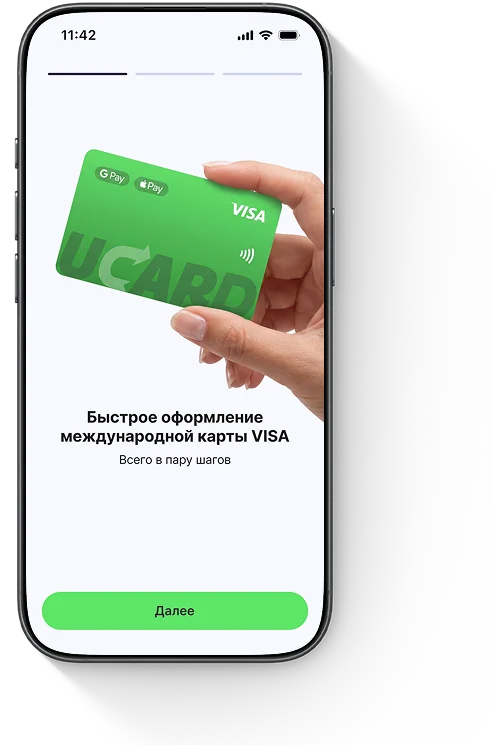
Issue card Issued in 2 minutes in TelegramTop-up in rubles via SBPApple Pay and Google Pay
This section collects step-by-step guides by category — neural networks, streaming, games, Apple services and others: current prices, account region settings, linking the card and fixing errors. All guides are dated and kept up to date.
Payment categories
The guides are grouped by service category — choose the one you need to find a step-by-step guide with prices and card linking.
Popular guides
The services most often paid for from Russia are iCloud, ChatGPT, Netflix and Google Play — here are direct guides for them.


How to pay for foreign services with a UCARD card
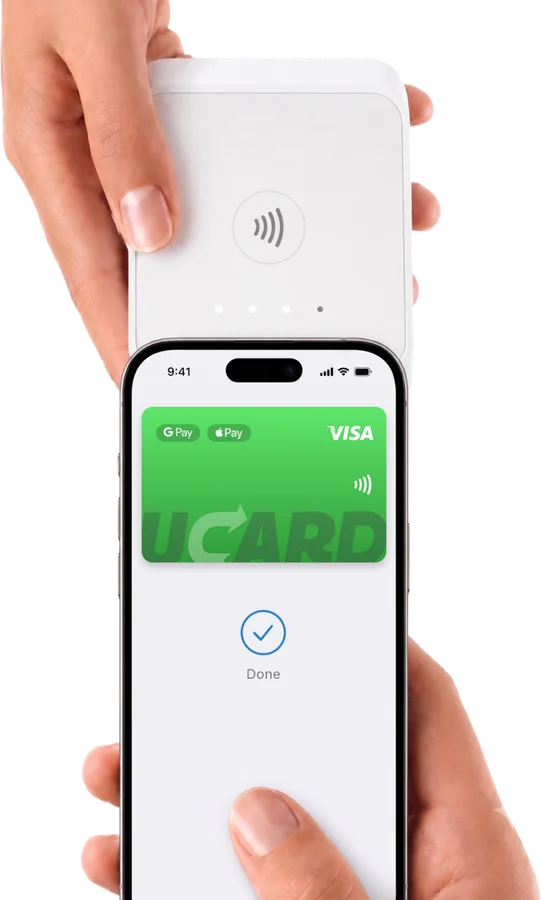
To pay for foreign services, issue a virtual card, top it up in rubles via SBP and link it to the service you need — after that, payments and renewals go through automatically.
Questions and answers
Read also
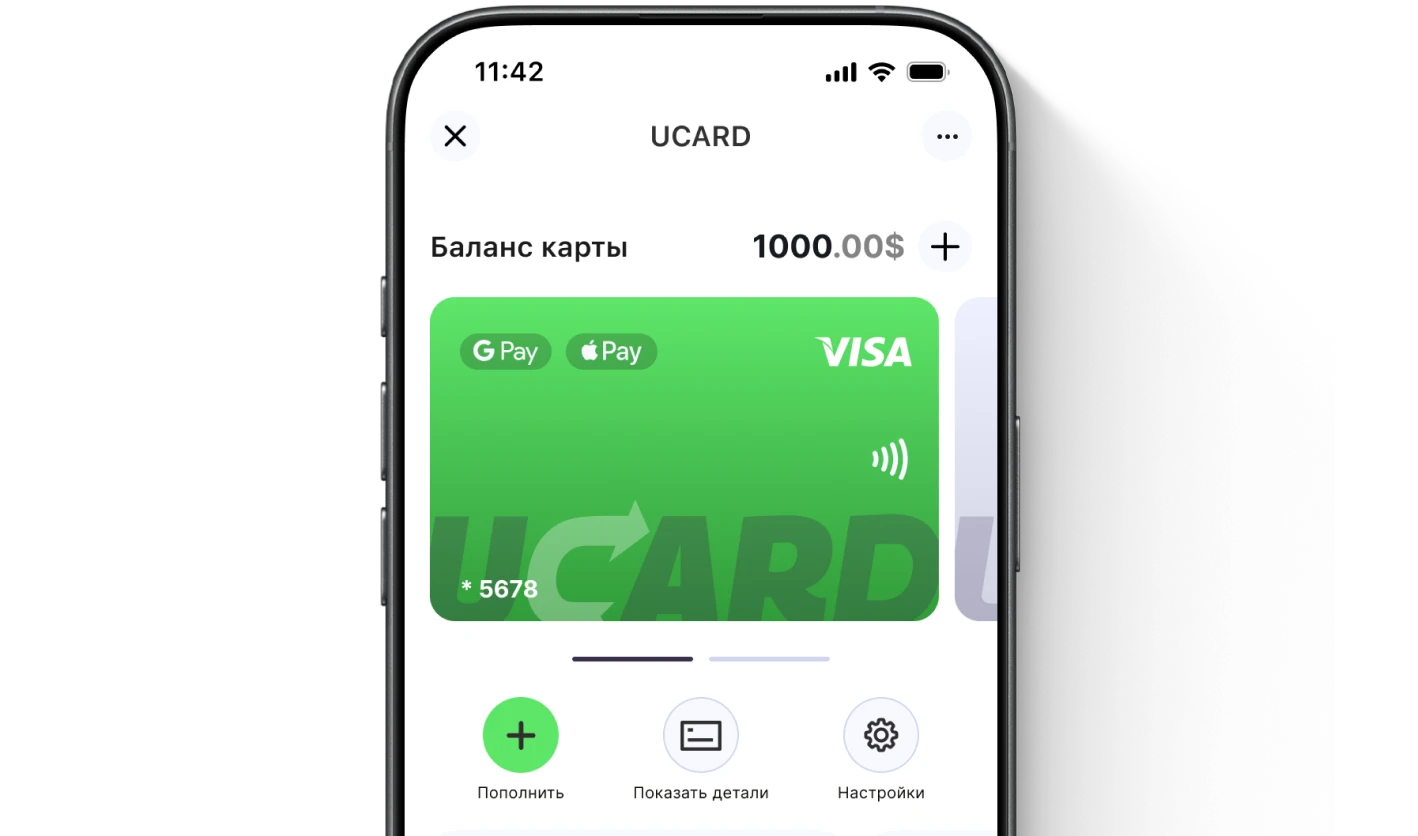
Issue a UCARD card in a couple of minutes
- Virtual Visa in Telegram
- Top-up in rubles via SBP
- Payments for foreign services