

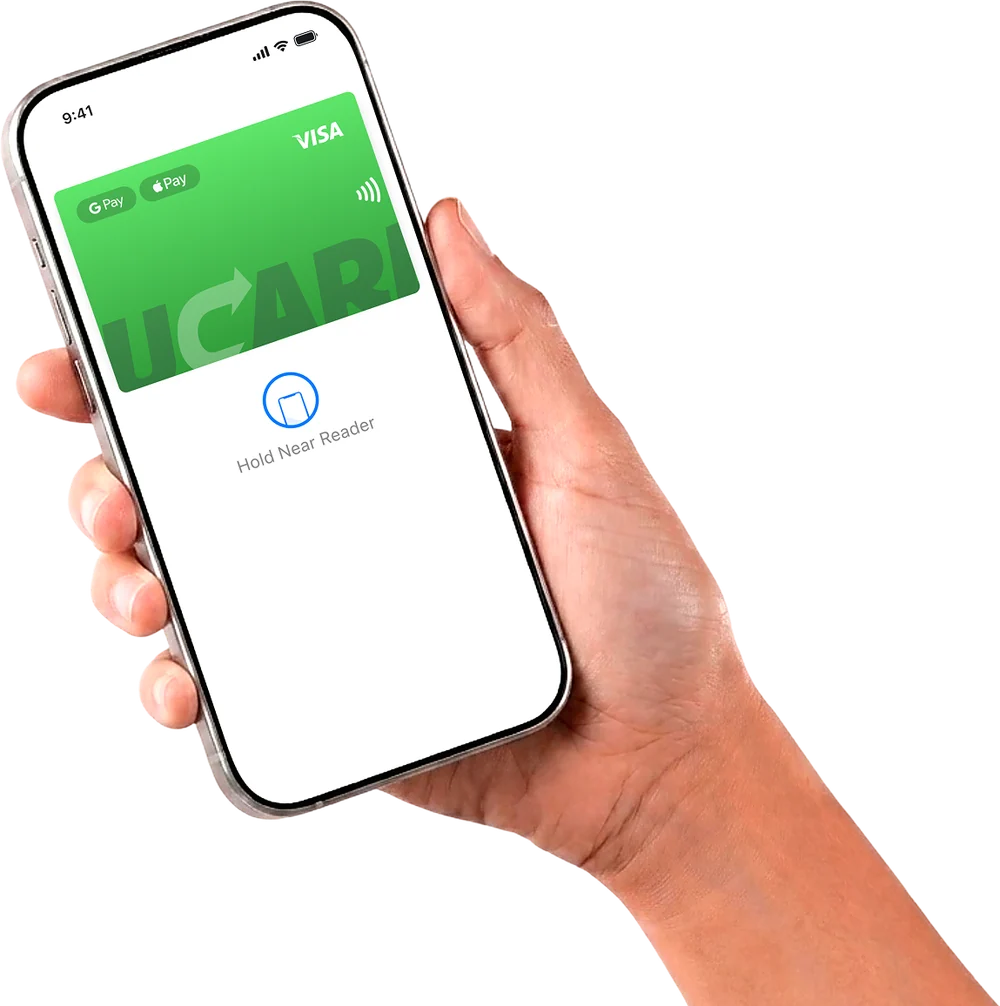
Virtual card for paying abroad from Russia
A virtual card for paying abroad is a Visa card issued by a foreign financial service specifically for payments that do not go through with Russian cards.
Issue card Issued in 2 minutes in TelegramTop-up in rubles via SBPApple Pay and Google Pay
The UCARD card is issued free of charge in 2 minutes in Telegram, topped up in rubles via SBP and pays for foreign subscriptions, games, the App Store and Google Play.

Why Russian cards do not work abroad
Russian Visa and Mastercard cards have not been accepted by foreign services since March 2022, and Mir cards work only in a few countries — so paying for foreign services requires a card issued outside Russia. This applies not only to shops when travelling: Netflix and Spotify subscriptions, App Store purchases, ChatGPT payments or hotel bookings charge money through foreign payment gateways, which decline cards of Russian banks regardless of the balance.
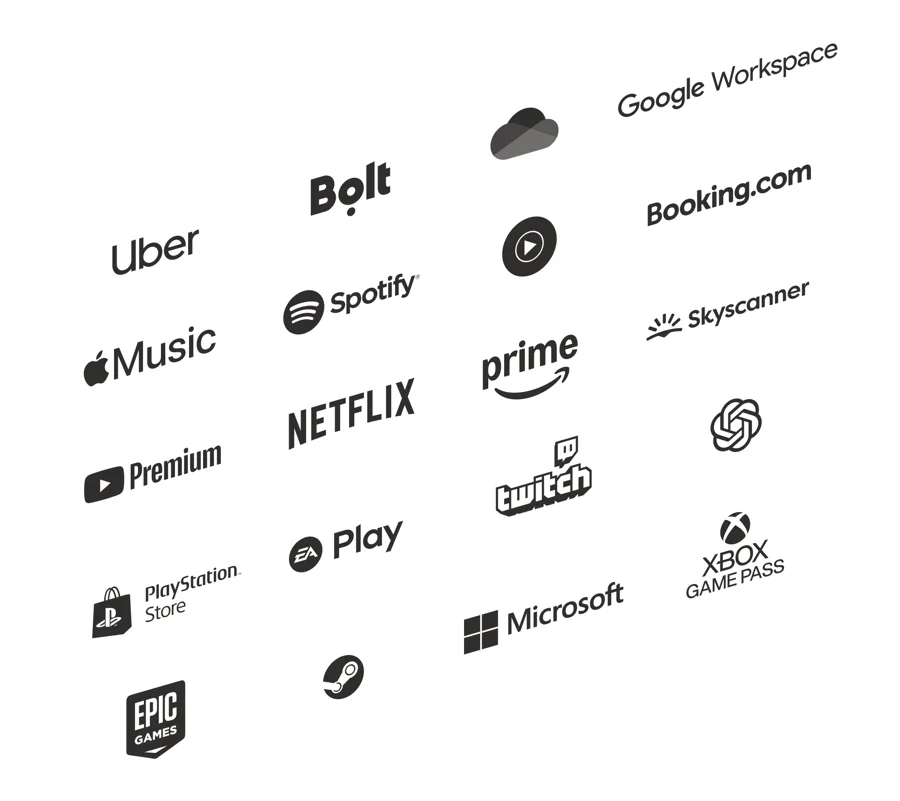
What the UCARD foreign virtual card pays for
The UCARD foreign virtual card pays for subscriptions, gaming platforms, app stores and online services — this foreign virtual card works wherever Visa is accepted for online payments. The full list of services is in the “Where the card works” catalog. For recurring charges, it is convenient to get a separate card for foreign subscriptions.


How to get a card for paying abroad from Russia
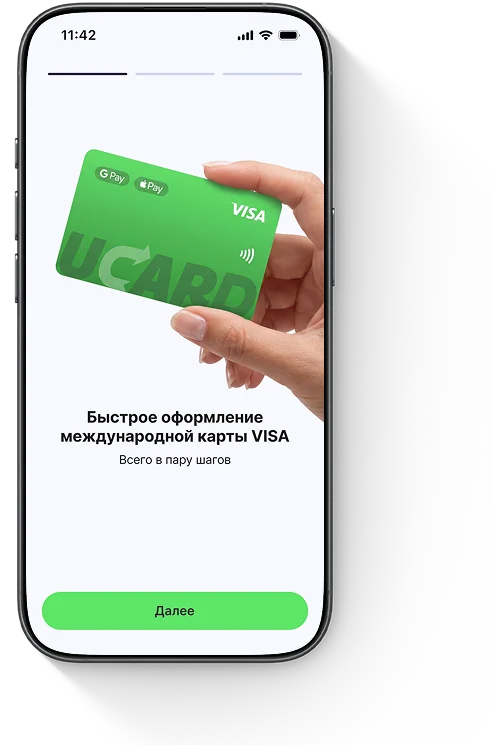
You can get a card for paying abroad online from Russia: issuance takes place in Telegram without visiting a bank, delivery or foreign documents. Citizenship of another country, a residence permit or a foreign phone number are not required. Detailed instructions are on the get a card online page.
Top-up in rubles via SBP
The card is topped up in rubles via SBP from any Russian bank: the transfer is converted into the card currency automatically, and you do not need to buy currency or cryptocurrency separately. Top-up with cryptocurrency (choose the currency and network in the app) and bank transfer using the details are also available. Funds are credited within 15 minutes to 24 hours after an automatic AML check. The top-up fee is from 2.0% to 5.5% depending on the amount.
Card currency and conversion
The card balance is held in dollars, so payments for dollar-priced services go through without double conversion, and the amount charged matches the service’s price. When paying in another currency (euros, lira, tenge), the conversion is performed by the Visa payment system at its own rate, and 1.1% of the amount is added to the $0.50 per transaction. The exact terms of each transaction are shown in the app before you confirm.
A service's virtual card or a foreign bank card — which to choose
Today a Russian can open a card with a foreign bank mainly in person in the bank’s country, while a virtual card from a foreign service is issued from home in a few minutes — this is the main difference. The best foreign virtual card is chosen by its top-up and conversion fees — they are what make up the real cost. If you regularly visit a country and need cash, a bank in that country is more convenient: country-by-country reviews are collected in the foreign bank cards section. For online payments from Russia, a virtual card is enough.
| Foreign bank card | UCARD virtual card | |
|---|---|---|
| Application | a trip or an intermediary, from several days | online in 2 minutes |
| Documents | international passport, often the country’s tax ID | Telegram + KYC |
| Top-up from Russia | limited, often via exchangers | in rubles via SBP |
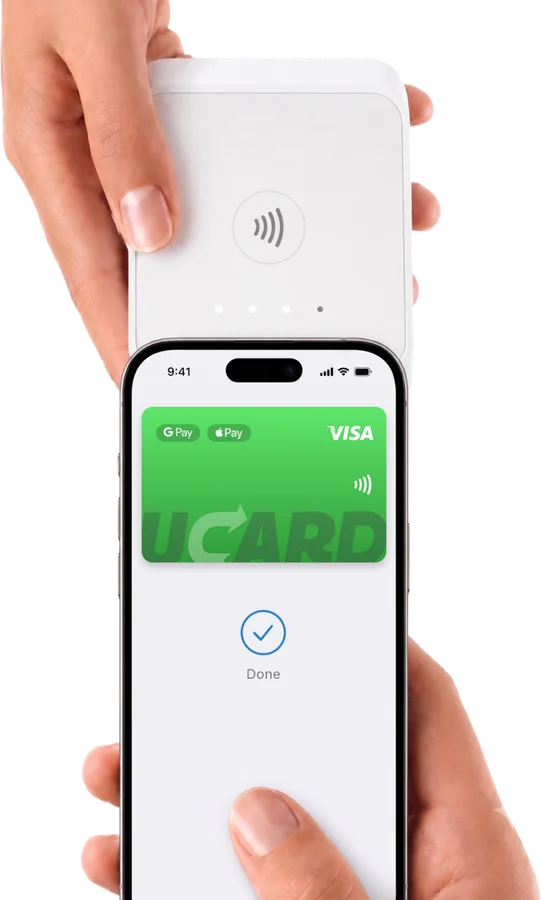
| Cash and offline payments | yes | online and Apple/Google Pay |
Common problems when paying abroad
Most often a payment abroad is declined because of an account region mismatch, an insufficient balance once the service’s fee is taken into account, or an unconfirmed 3D-Secure code.
When a virtual card is not enough
A virtual card is not enough if abroad you need cash or payments with plastic in places without contactless terminals.


Questions and answers
Read also
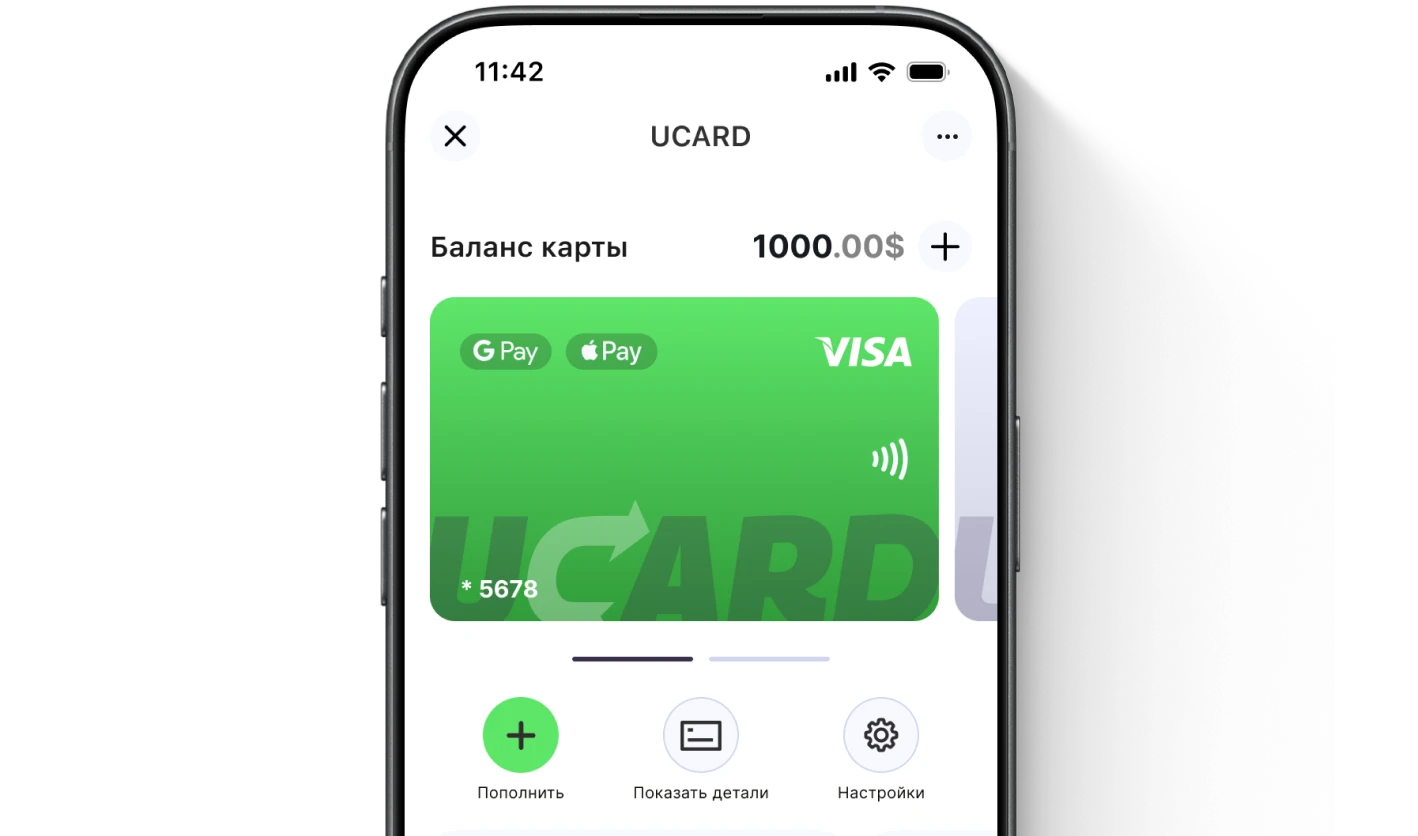
Issue a UCARD card in a couple of minutes
- Virtual Visa in Telegram
- Top-up in rubles via SBP
- Payments for foreign services