


Subscriptions linked to your card: how to check and cancel them
You can find out which subscriptions are linked to your card in three ways: in your bank's mobile app, in the charge history and through subscription management in the services themselves. Below is how to check and cancel recurring charges on cards of Sberbank, VTB, Tinkoff and other banks.
Issue card Issued in 2 minutes in TelegramTop-up in rubles via SBPApple Pay and Google Pay
Method 1 — in the bank's app
A bank’s mobile app has a section with subscriptions and recurring payments — it shows which services charge money to the card, and some of them can be cancelled right there.


Method 2 — from the charge history
If there is no subscriptions section, open the transaction history and look for repeated charges of the same amount — these are your active subscriptions.
- Pay attention to charges of the same amount once a month or once a year.
- The service names in the statement will help you understand what you are paying for.

Method 3 — in your service accounts
Some subscriptions can only be cancelled on the service’s side — in the subscription management section of your Apple, Google, YouTube or streaming service account.
- Apple: Settings → your name → Subscriptions.
- Google: Google Play → Payments & subscriptions → Subscriptions.
How not to lose control over subscriptions
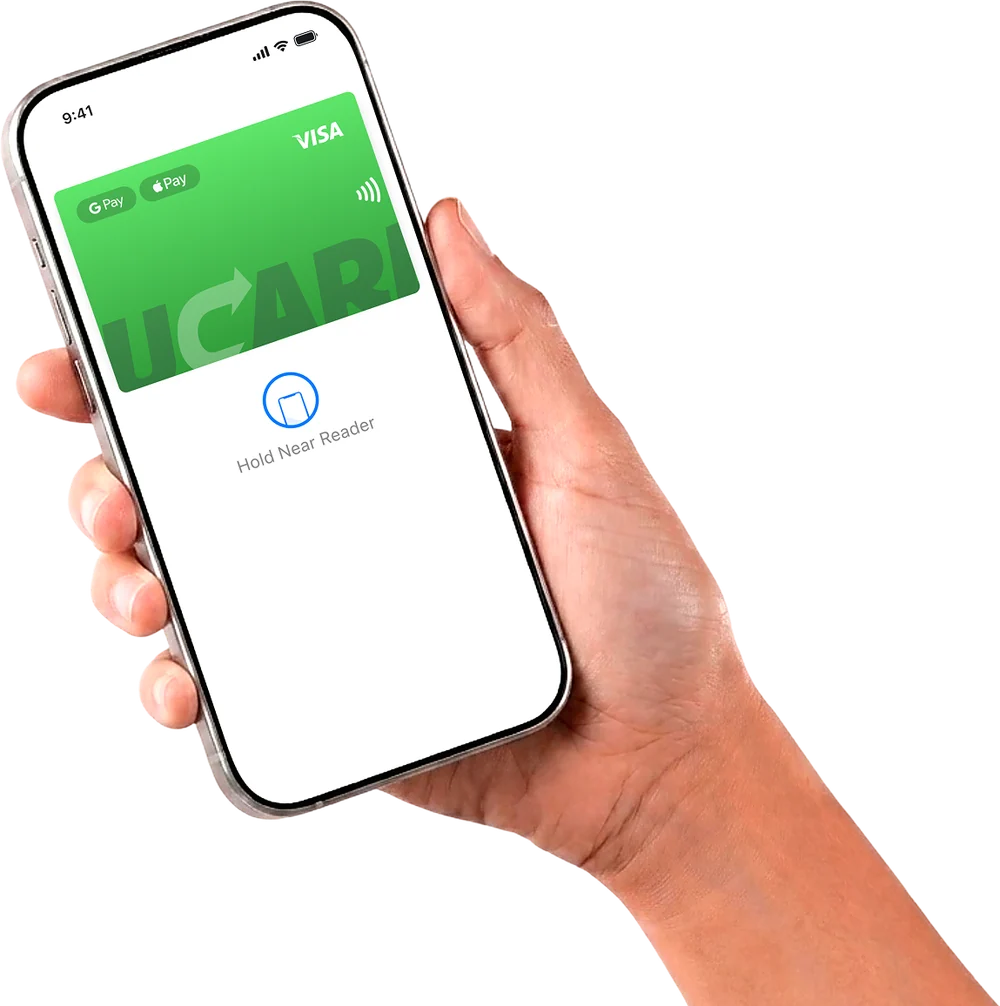
To keep control over subscriptions, it is convenient to get a separate virtual card for foreign services and keep exactly one month’s amount on it — then an extra charge simply will not go through. More details are in the guide to paying for subscriptions.
Questions and answers
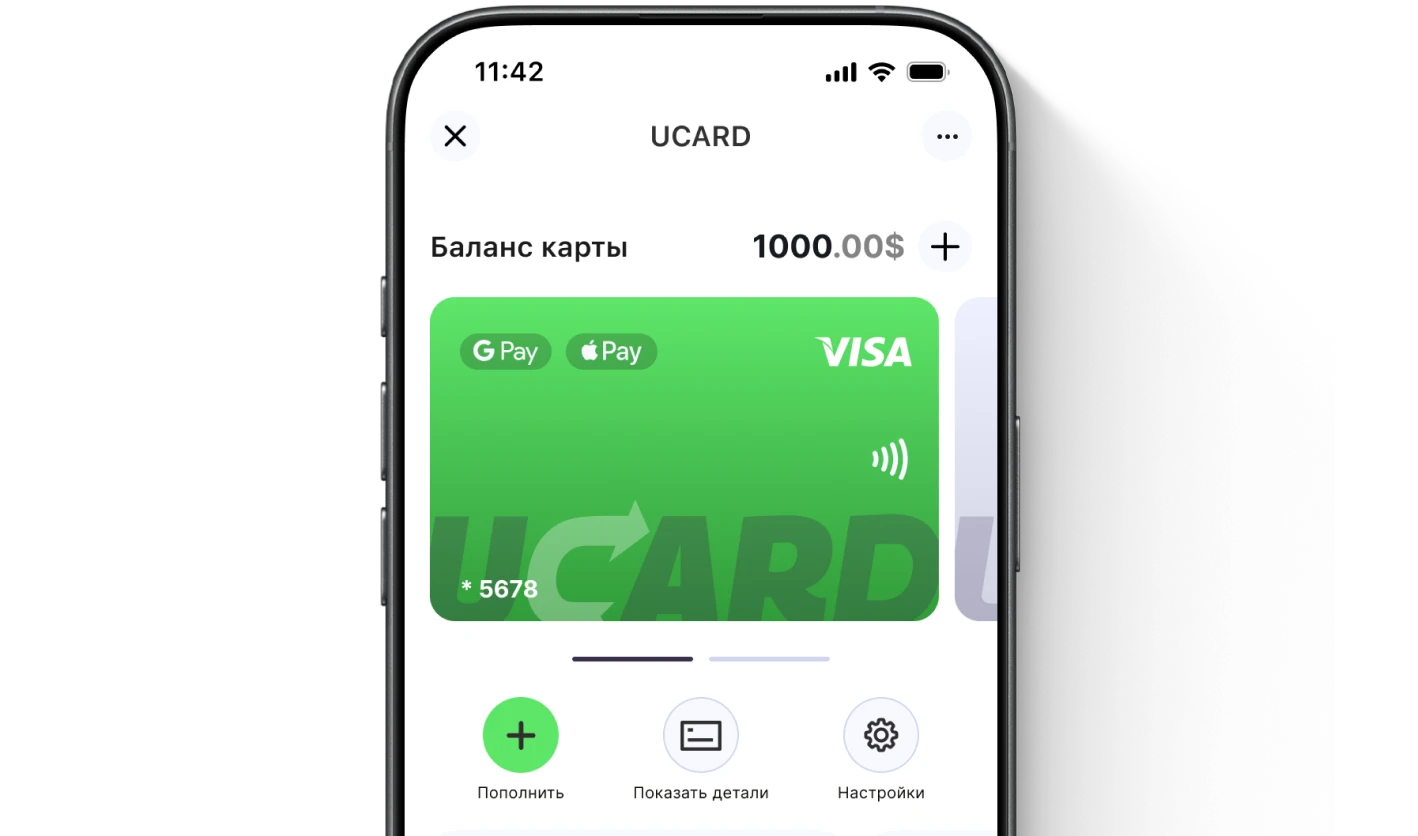
Issue a UCARD card in a couple of minutes
- Virtual Visa in Telegram
- Top-up in rubles via SBP
- Payments for foreign services