

Virtual card for Apple Pay: how to link it in Russia
In 2026 you can link a card to Apple Pay in Russia with a virtual card from a foreign service — Apple Pay currently does not support Mir cards or cards of Russian banks. Once the virtual card is linked, you can pay with your phone online and contactless wherever Visa is accepted.
Issue card Issued in 2 minutes in TelegramTop-up in rubles via SBPApple Pay and Google Pay
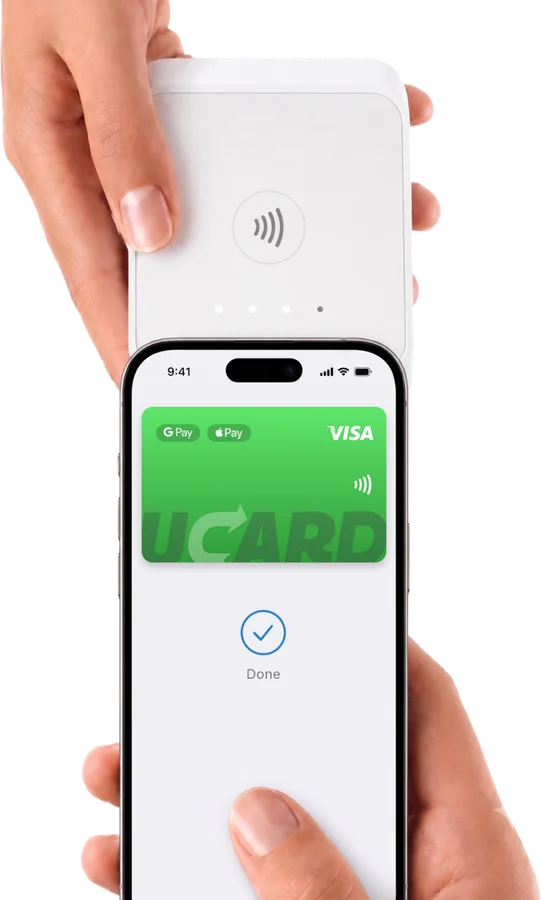
Can you link a Mir card to Apple Pay
You cannot link a Mir card to Apple Pay in Russia: support for cards of Russian banks in Apple Pay has been suspended, so only a card issued outside Russia can be added.
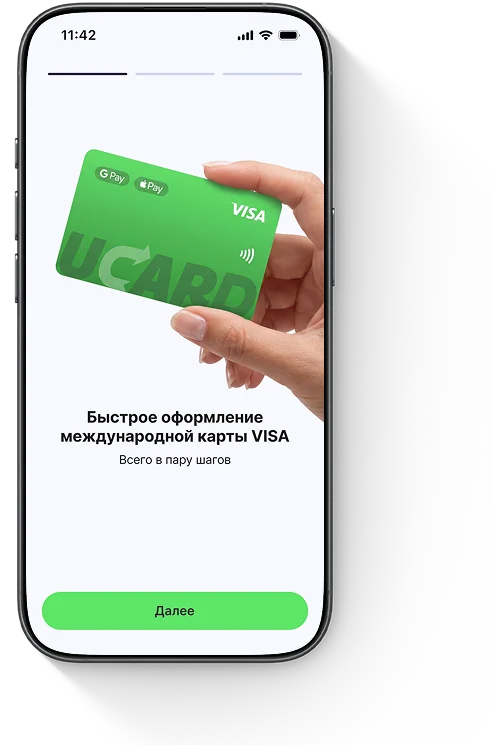
Can you link a virtual card to Apple Pay
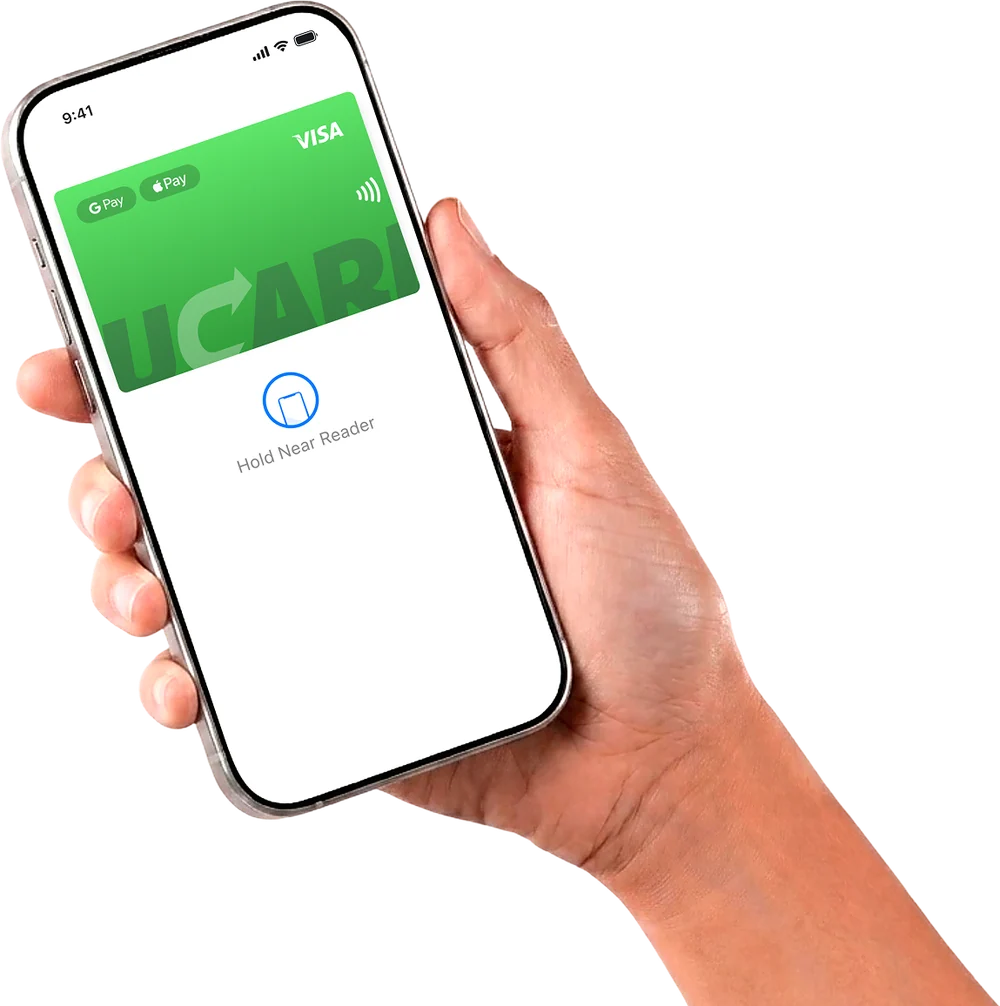
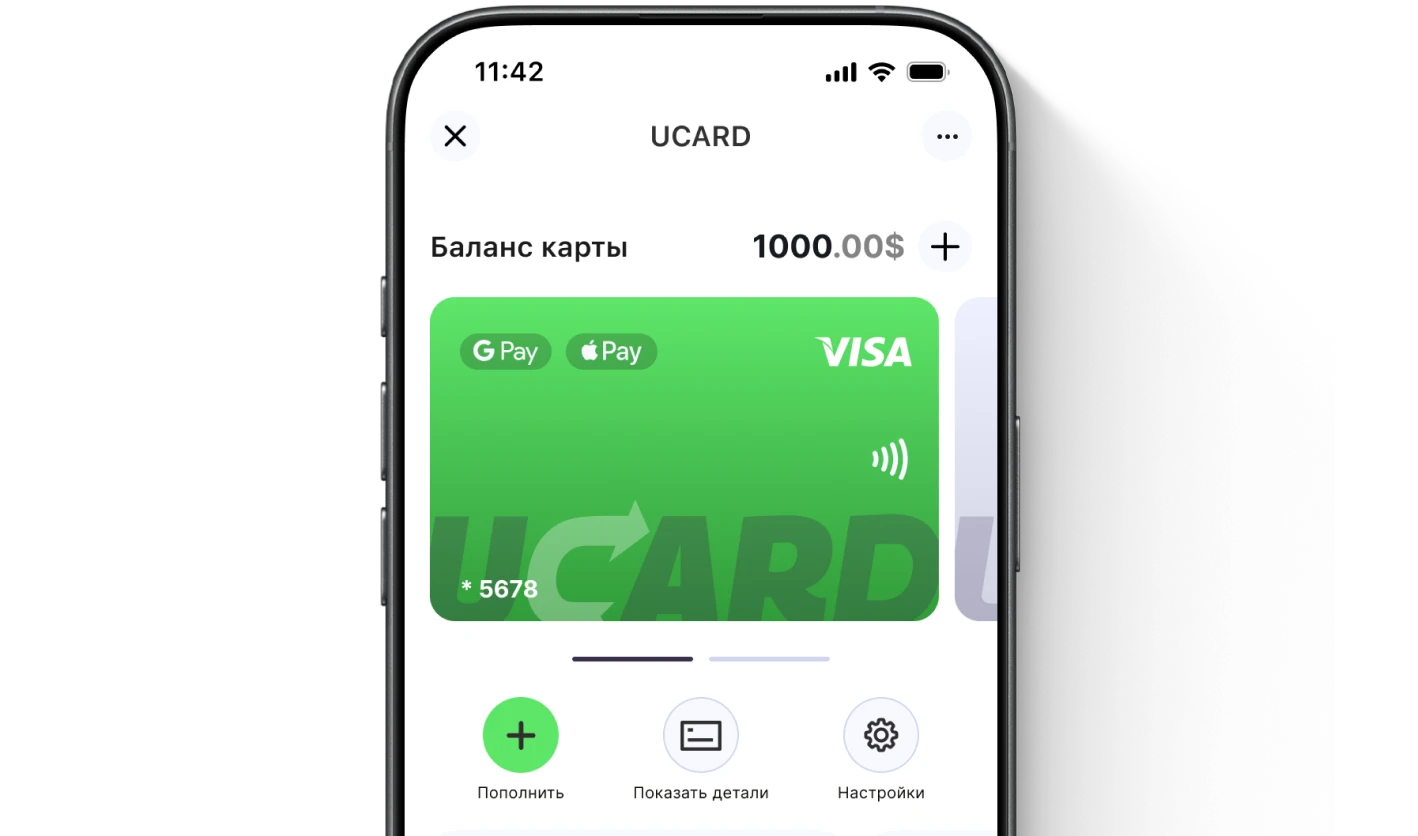
You can link a virtual card to Apple Pay if it is issued by a foreign service such as UCARD: the card is added to the Wallet app using its details and works for contactless payments.
How to link a card to Apple Pay — step by step
To link a card to Apple Pay, add the virtual card to the Wallet app and confirm the linking — it takes a couple of minutes.
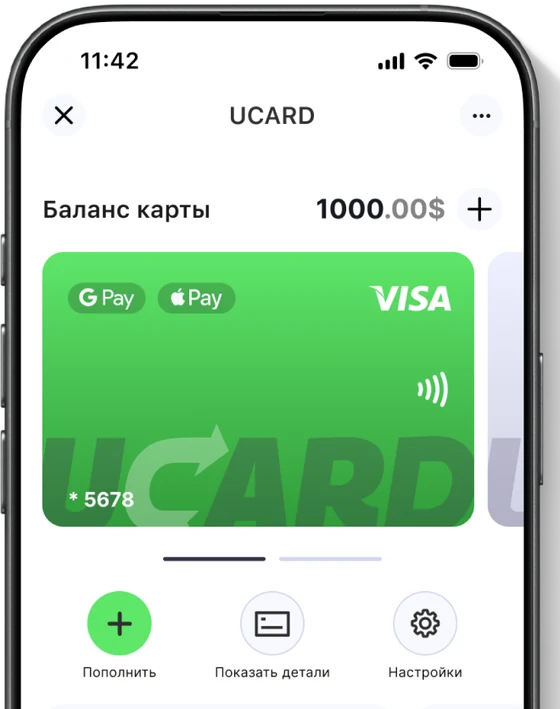
What to do if the card will not link to Apple Pay
If the card will not link to Apple Pay, most often it is a Russian card that the service does not support, or an account region mismatch — use a virtual card from a foreign service.


Questions and answers
Issue a UCARD card in a couple of minutes
- Virtual Visa in Telegram
- Top-up in rubles via SBP
- Payments for foreign services