

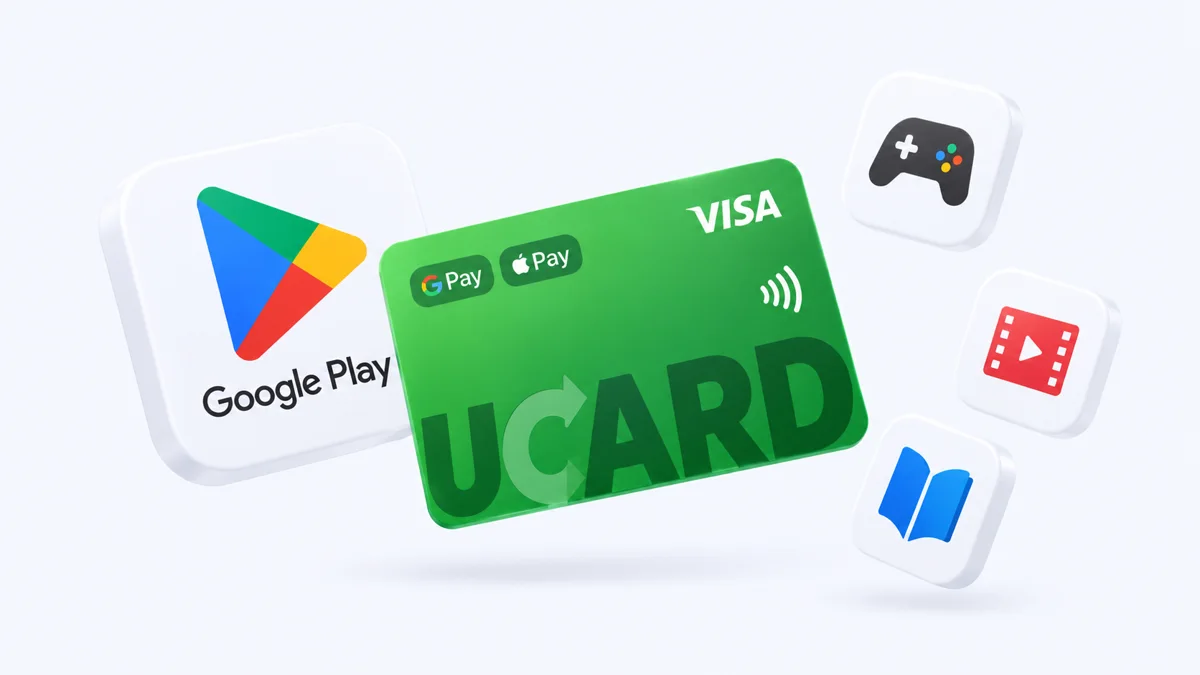
Virtual card for Google Pay: how to link it in Russia
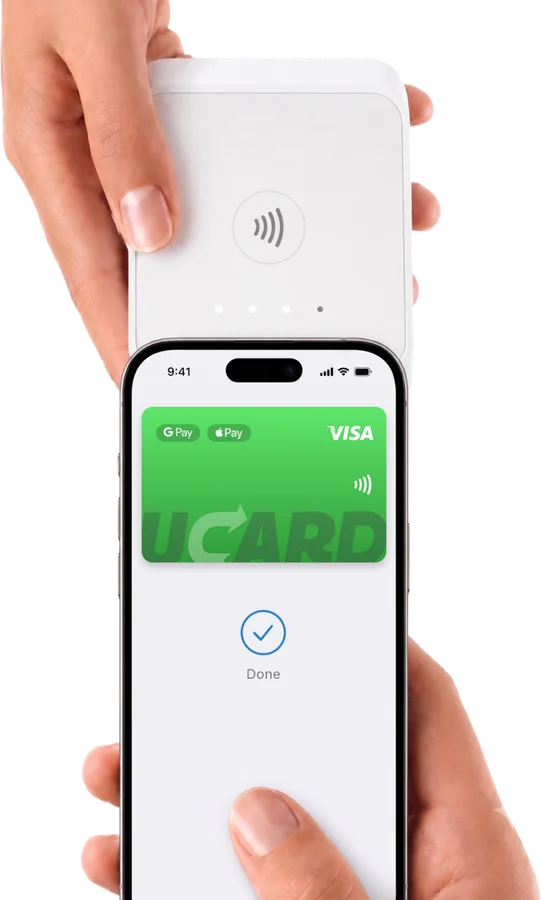
In 2026 you can link a card to Google Pay in Russia with a virtual card from a foreign service — Google Pay currently does not accept cards of Russian banks. Once linked, you can pay with your phone contactless and in apps wherever Visa is accepted.
Issue card Issued in 2 minutes in TelegramTop-up in rubles via SBPApple Pay and Google Pay
Why Russian cards do not work in Google Pay
Russian cards do not work in Google Pay because Google has suspended support for cards of Russian banks — only a card issued outside Russia can be added to the wallet.
How to link a virtual card to Google Pay — step by step
To link a virtual card to Google Pay, add it to Google Wallet using its card details and confirm the linking with a code from the Telegram bot.
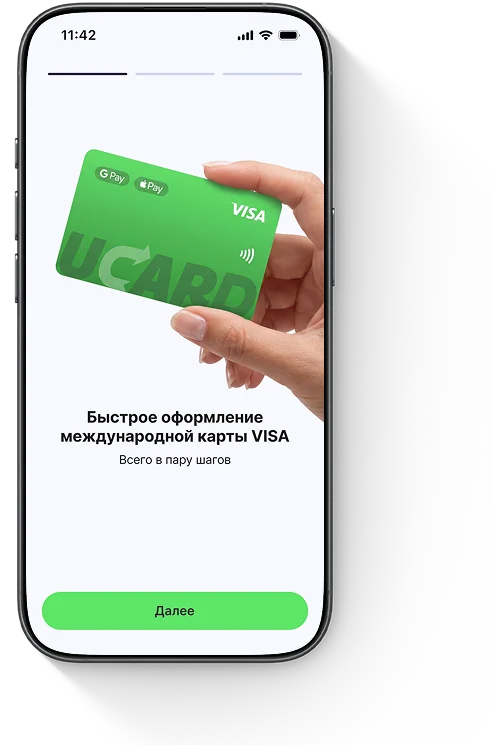
1Step 1Issue a UCARD virtual card and top up the balance via SBP.
2Step 2Open the Google Wallet app on Android → "Add to Wallet" → "Payment card".
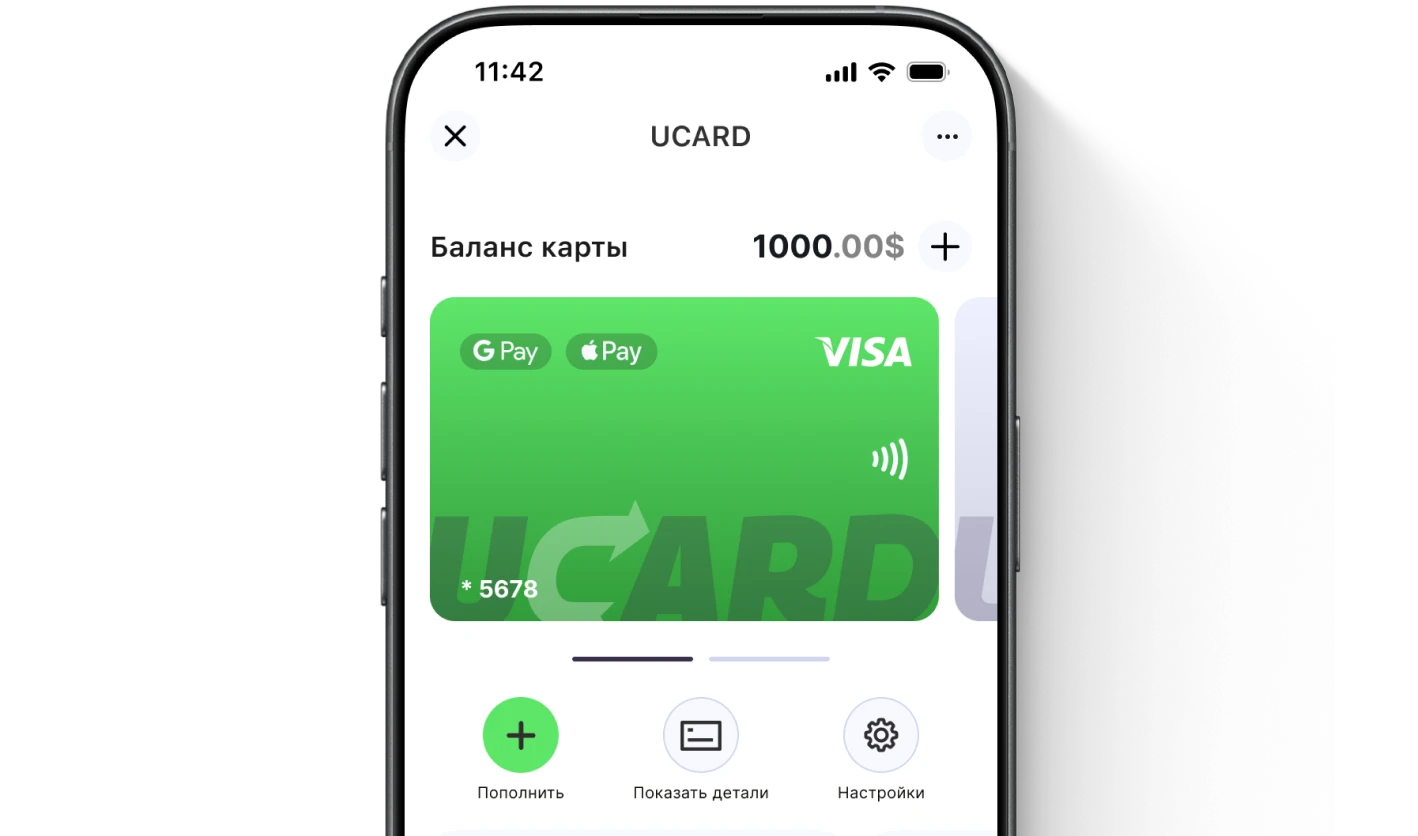
3Step 3Enter the card details from the UCARD app.
4Confirm the linkingThe code will arrive in the Telegram bot.
5DoneYou can pay with your phone contactless and in apps.
What to do if the card cannot be added
If the card cannot be added to Google Pay, check that it is not a Russian card, that the Google account country matches, and the balance — the UCARD virtual card meets these conditions.

Replace a Russian card with a foreign virtual one.

The Google account country must match the card.

The confirmation code arrives in the Telegram bot.
Questions and answers
No, Google does not support cards of Russian banks. You need a foreign virtual card.
Yes, if it is issued by a foreign service — UCARD is added to Google Wallet using its card details.
Payments with Russian cards do not work; with a foreign virtual card, contactless payments and in-app payments are available.
No, a VPN is not required to link the card; what matters is that the account country and the card match.
Hold your phone near the terminal or choose Google Pay when paying online — the virtual card will be charged.
Google Pay (Wallet) is contactless payment by phone; Google Play is an app store. One virtual card works in both.
Issue a UCARD card in a couple of minutes
- Virtual Visa in Telegram
- Top-up in rubles via SBP
- Payments for foreign services