
Paying for Google Play in Russia: methods that work in 2026
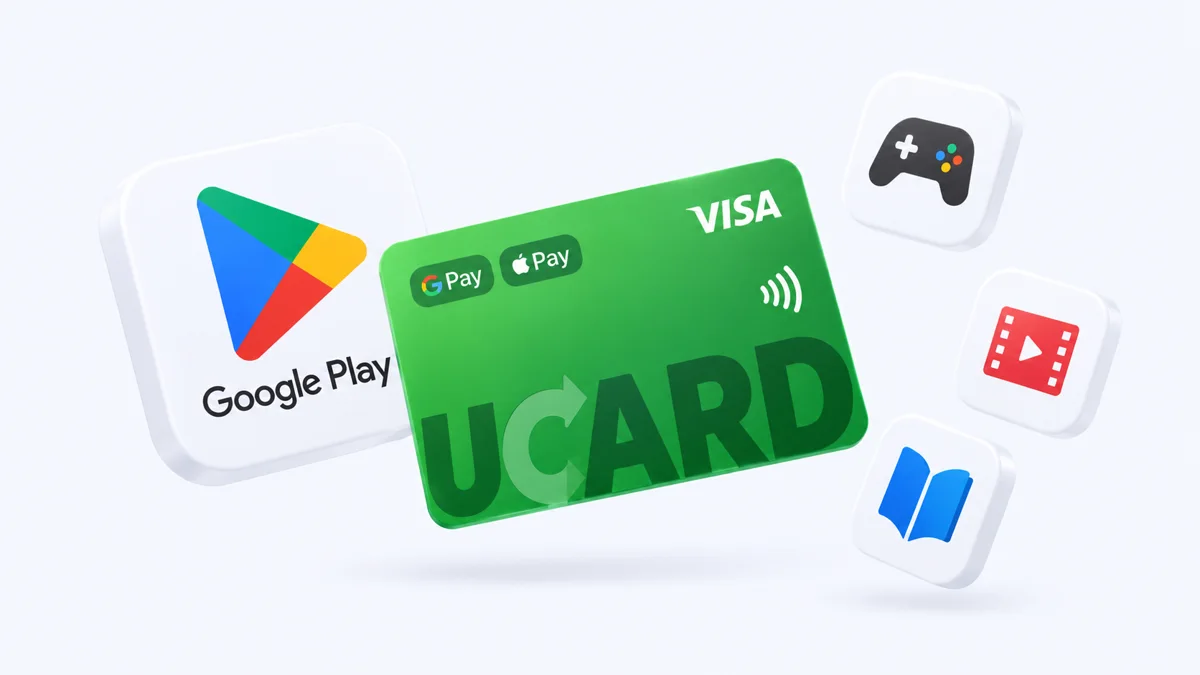
In 2026 you can pay for Google Play in Russia in three ways: with a virtual card from a foreign service, with a Google Play gift code for the right region or through your mobile operator balance — Google does not accept cards of Russian banks, including Mir.
Issue card Issued in 2 minutes in TelegramTop-up in rubles via SBPApple Pay and Google Pay
The most universal method is a virtual card: it works for apps, subscriptions and in-app purchases with auto-renewal.
Why Russian cards do not work on Google Play
Russian cards, including Mir, do not work on Google Play because Google suspended its payment system for users in Russia in March 2022 — when you try to add one, the error “this card cannot be added” appears.
- Sber, VTB and Mir cards are declined regardless of the balance.
- Changing the account country with a Russian card does not help — you need a payment method for the new region.
Method 1 — a virtual card from a foreign service (recommended)
A virtual card from a foreign service is added to Google Play like a regular foreign card and pays for apps, subscriptions and in-game purchases with auto-renewal.
Method 2 — a Google Play gift code
A Google Play gift code tops up the account balance, which you can use to buy apps and make in-game purchases without linking a card — but the code must match the account region, and subscription auto-renewal works only as long as the balance is sufficient.
- Buy codes from trusted sellers — codes bought from individuals often turn out to be used.
- For an account with the Russian region, codes as a rule do not activate — you need a foreign region.

Method 3 — paying through a mobile operator
Paying for Google Play from your phone balance (MTS, Beeline, MegaFon) is not available for all purchases and comes with the operator’s fee — the method is suitable for one-off purchases but does not replace a card for subscriptions.
What to do if the card cannot be added
If the card cannot be added to Google Play, check that it is not a Russian card, whether the payments profile country matches the card and whether the balance is sufficient.


Questions and answers
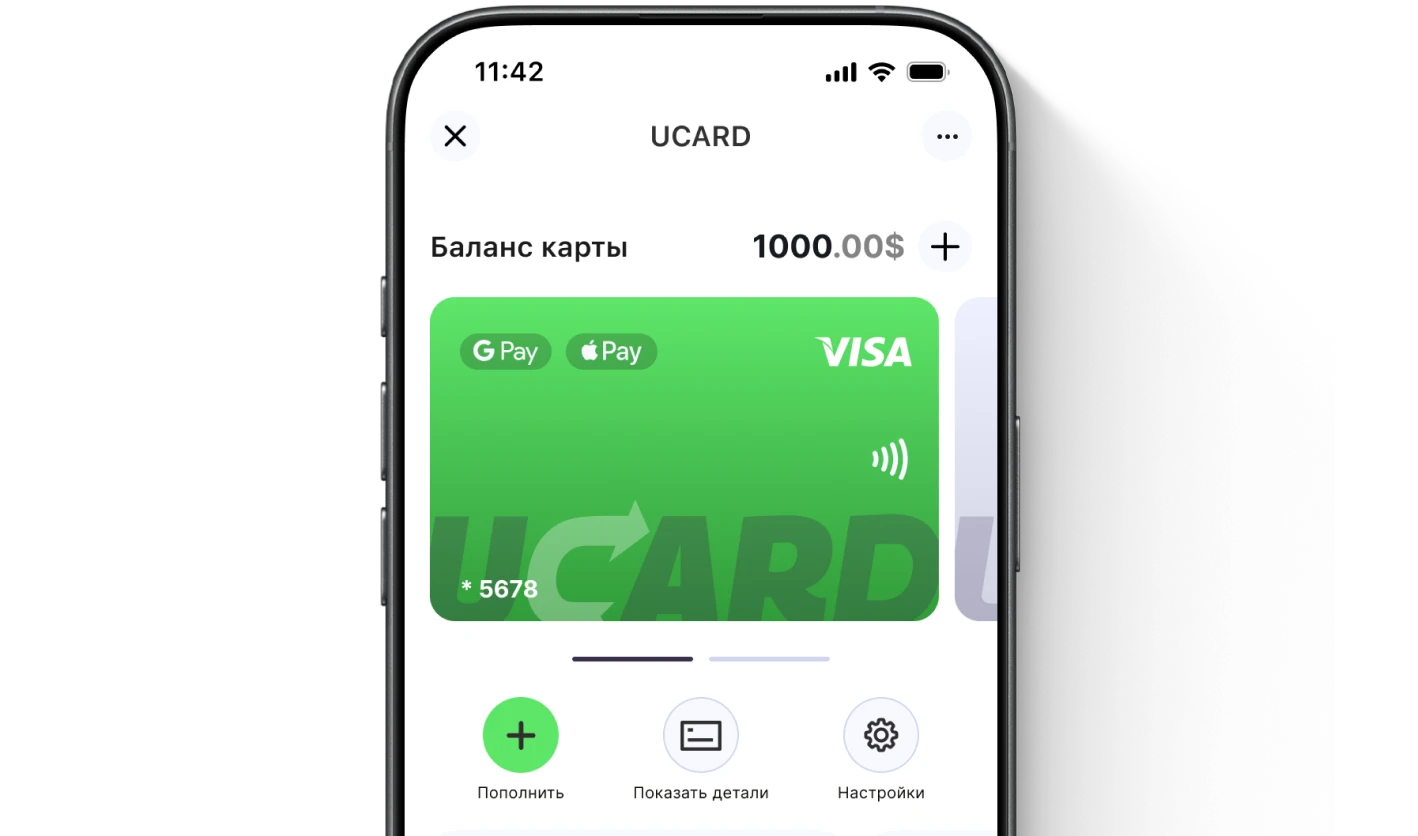
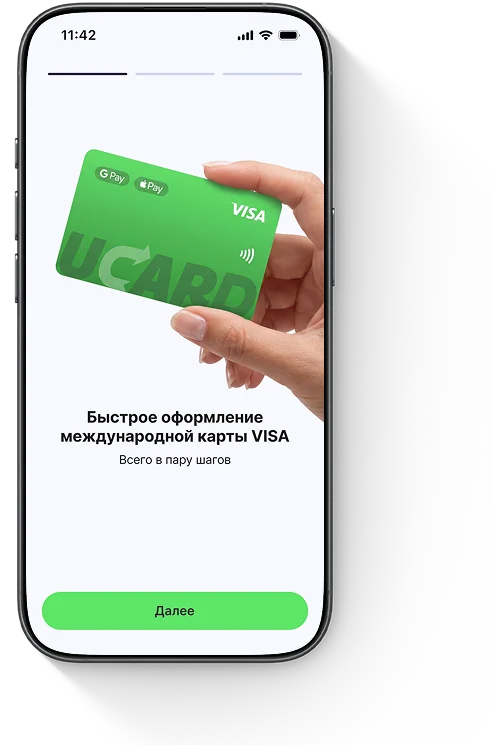
Issue a UCARD card in a couple of minutes
- Virtual Visa in Telegram
- Top-up in rubles via SBP
- Payments for foreign services