

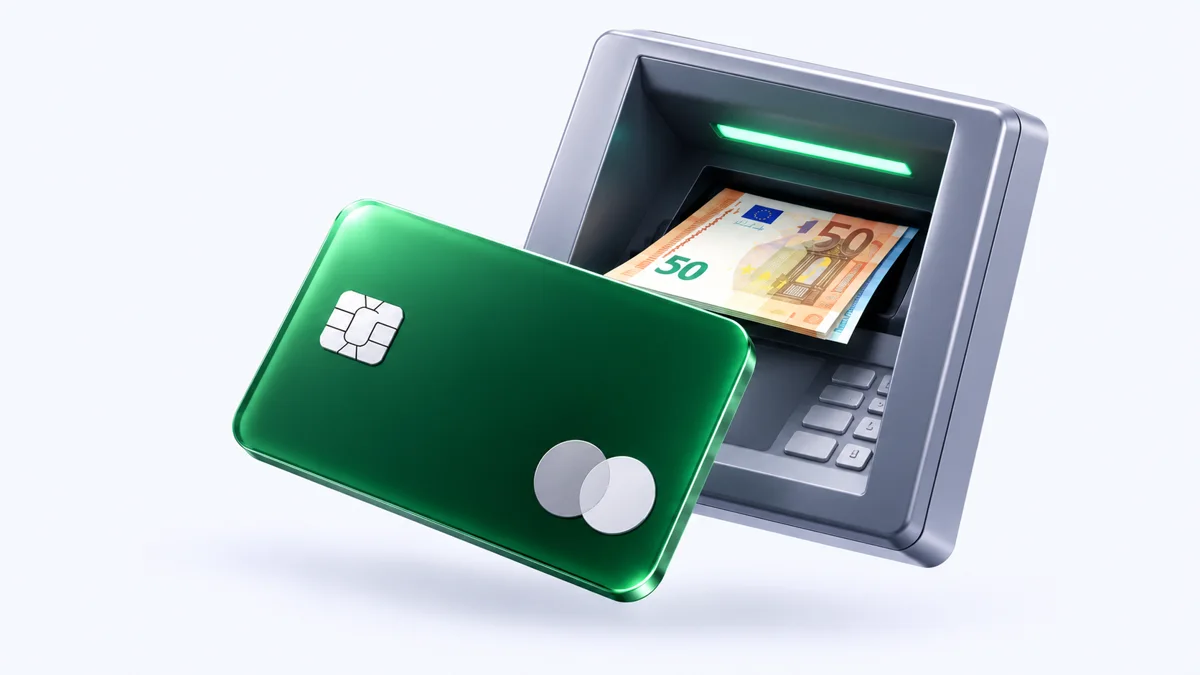
How to withdraw money from a virtual card: methods and limitations
You cannot withdraw money from a virtual card directly at an ATM — it has no plastic.
Issue card Issued in 2 minutes in TelegramTop-up in rubles via SBPApple Pay and Google Pay
Funds can be withdrawn in other ways: by linking to a payment system, transferring to another card or spending the balance on purchases. Below we look at which methods actually work and why some virtual cards have no withdrawal at all.
Why you cannot withdraw cash from a virtual card
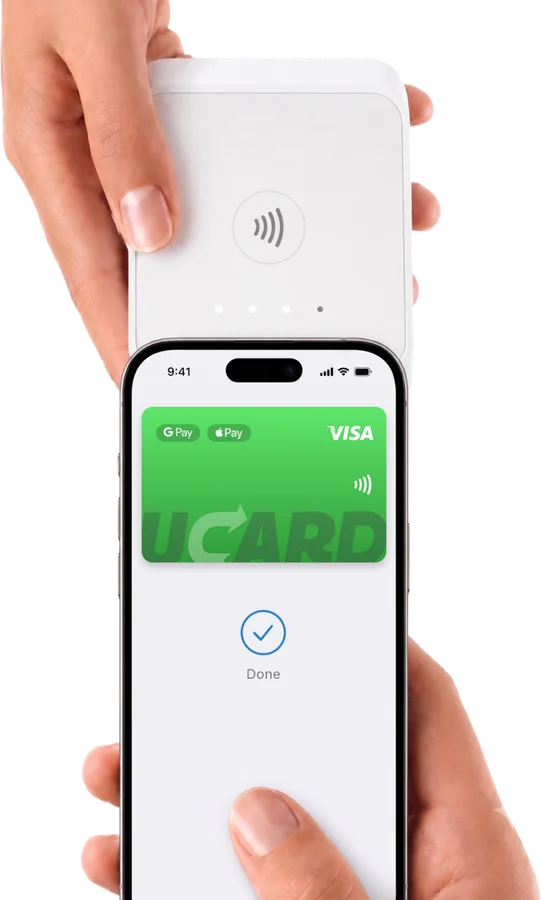
You cannot withdraw cash from a virtual card at an ATM because this requires a physical carrier or support for contactless withdrawal — most virtual cards have neither.
What withdrawal methods exist
There are several ways to withdraw money from a virtual card, but their availability depends on the specific service — some cards offer withdrawal, others do not.

How withdrawal works with the UCARD card
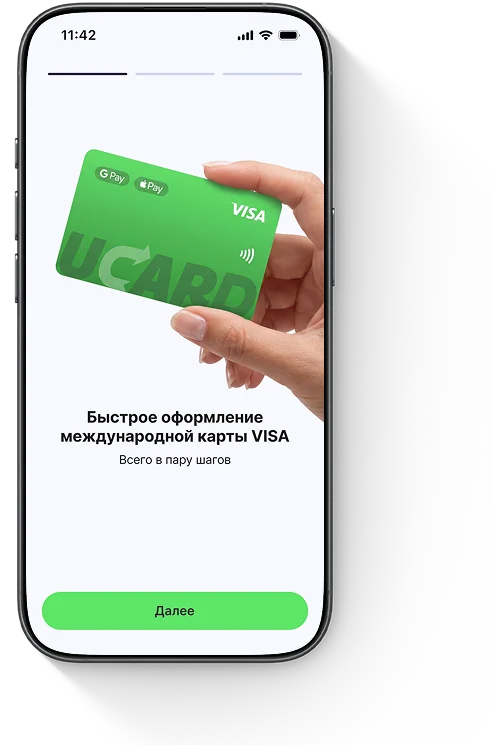
Cash withdrawal and withdrawal of funds are currently not available for the UCARD card: the balance is used to pay for services and purchases. Withdrawal will become available with the launch of physical cards. So top up the card with the amount you plan to spend — that way you will not have any “stuck” funds left.
Questions and answers
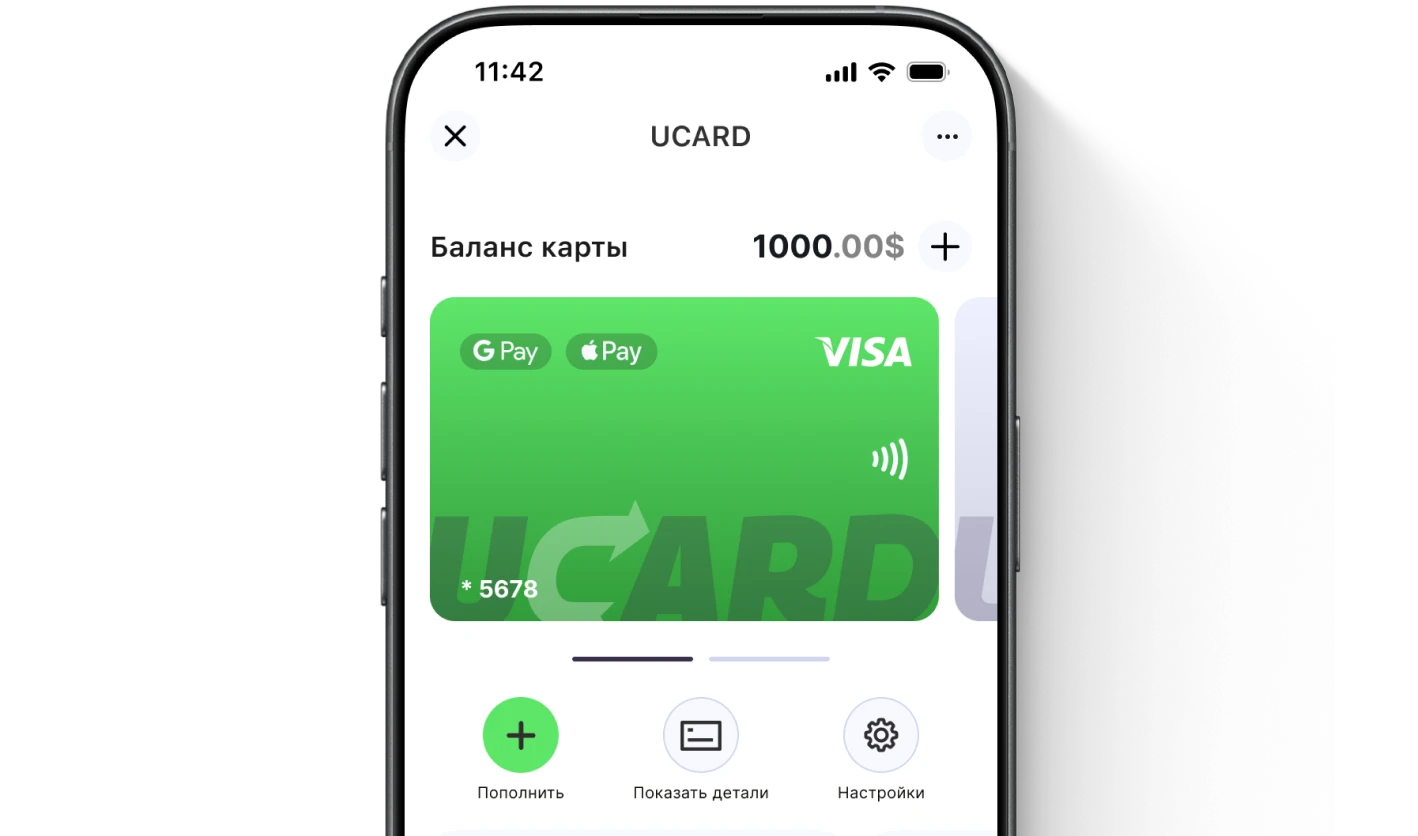
Issue a UCARD card in a couple of minutes
- Virtual Visa in Telegram
- Top-up in rubles via SBP
- Payments for foreign services