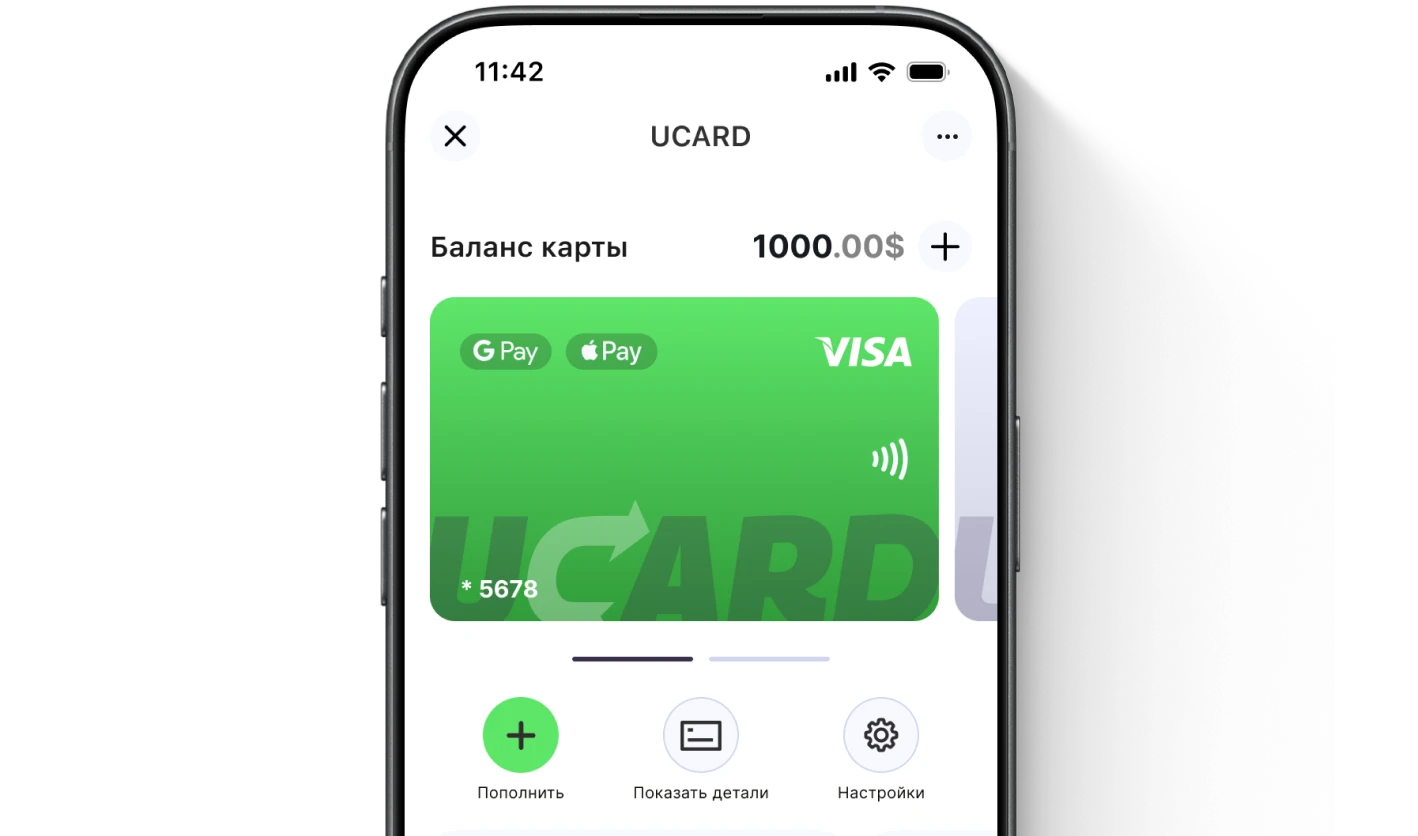

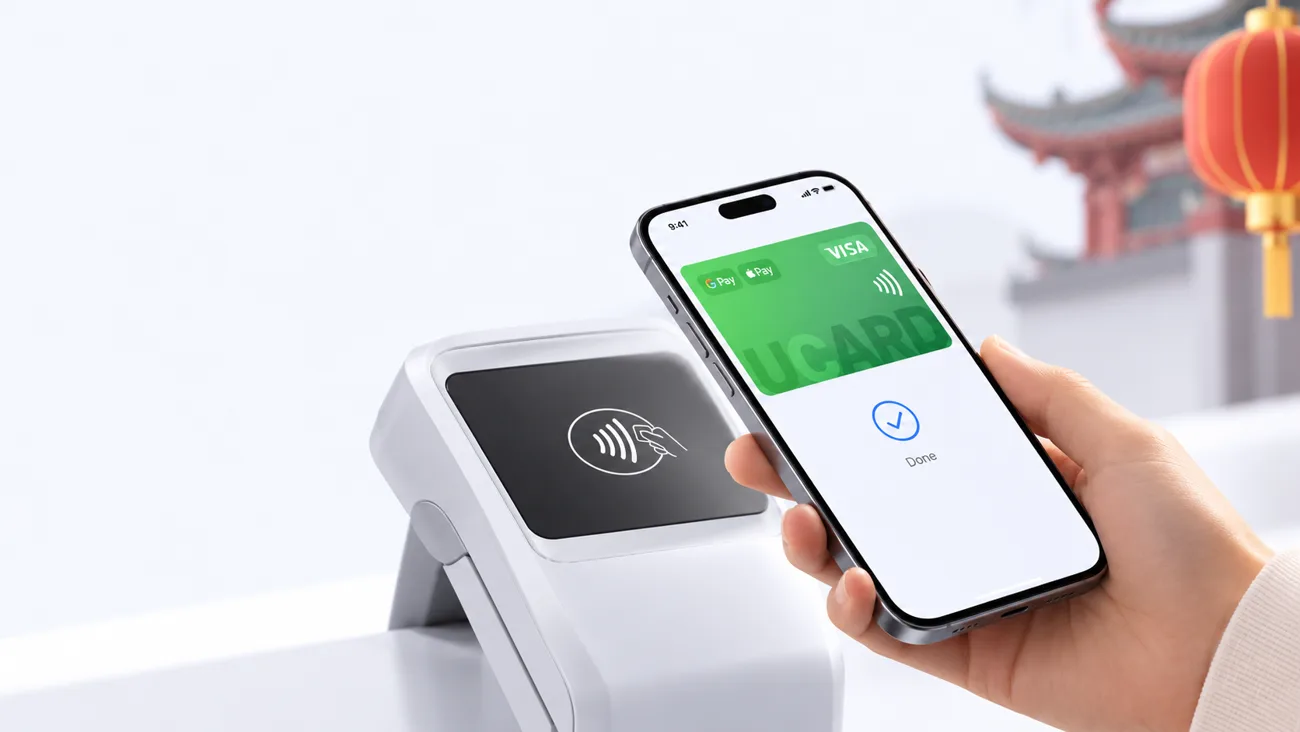
Paying by phone with a UCARD card in China

Alipay in Russia: how to top up and pay in 2026

You cannot top up Alipay from Russia directly with a Russian card — the wallet declines cards of Russian banks when you try to link them.

Issue card
Issued in 2 minutes in Telegram
Top-up in rubles via SBP
Apple Pay and Google Pay

The method that works in 2026: link a foreign virtual card to Alipay and pay by QR straight from it, and top up the card itself in rubles via SBP. The account is registered with a regular +7 number, and verification is done with an international passport.

Why you cannot top up Alipay with a Russian card

Alipay checks the source of funds by the card’s country of issue, so Mir, Visa and Mastercard cards of Russian banks are declined when you try to link them for top-up — the account itself is still created and works.

Registration with a +7 number goes through, and the SMS code arrives.
Verification with an international passport takes 1–3 days.
The failure happens only at the step of linking a Russian card.
Issue card
Globe

How to use Alipay in Russia with a foreign card — step by step

To use Alipay from Russia, link a foreign virtual card in the wallet section — after that, QR payments in China and in Chinese services go directly from the card.
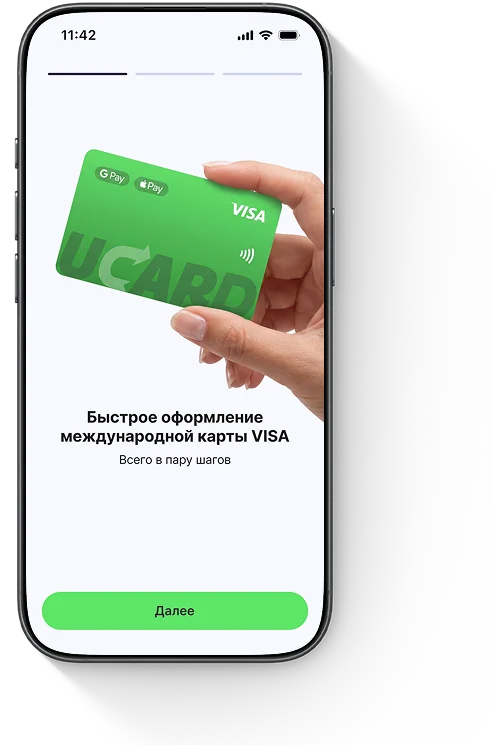
Getting a card in the UCARD app
1Step 1Issue a UCARD virtual card in Telegram and top it up in rubles via SBP.
2Step 2Install Alipay, register with a +7 number and complete verification with your international passport.
3Step 3Open "Me" → "Bank Cards" → "Add Card" and enter the card details from the UCARD app.
4Confirm the linkingThe code will arrive in the Telegram bot.
5Pay by QRThe amount in yuan is charged to the card at the Visa rate.

Topping up the balance or paying from the card — what is the difference

It is difficult for a foreign user to top up the internal Alipay balance — there are limits and not all methods are available, so for a tourist it is more practical not to top up the wallet but to pay from the linked card: the money is charged at the moment of purchase.
Paying from the cardNo need to load yuan onto the balance in advance, and no "stuck" funds.
RateConversion into yuan at the Visa rate at the time of payment.
LimitsVerified accounts have annual and per-transaction limits — check them in the app.
Issue card
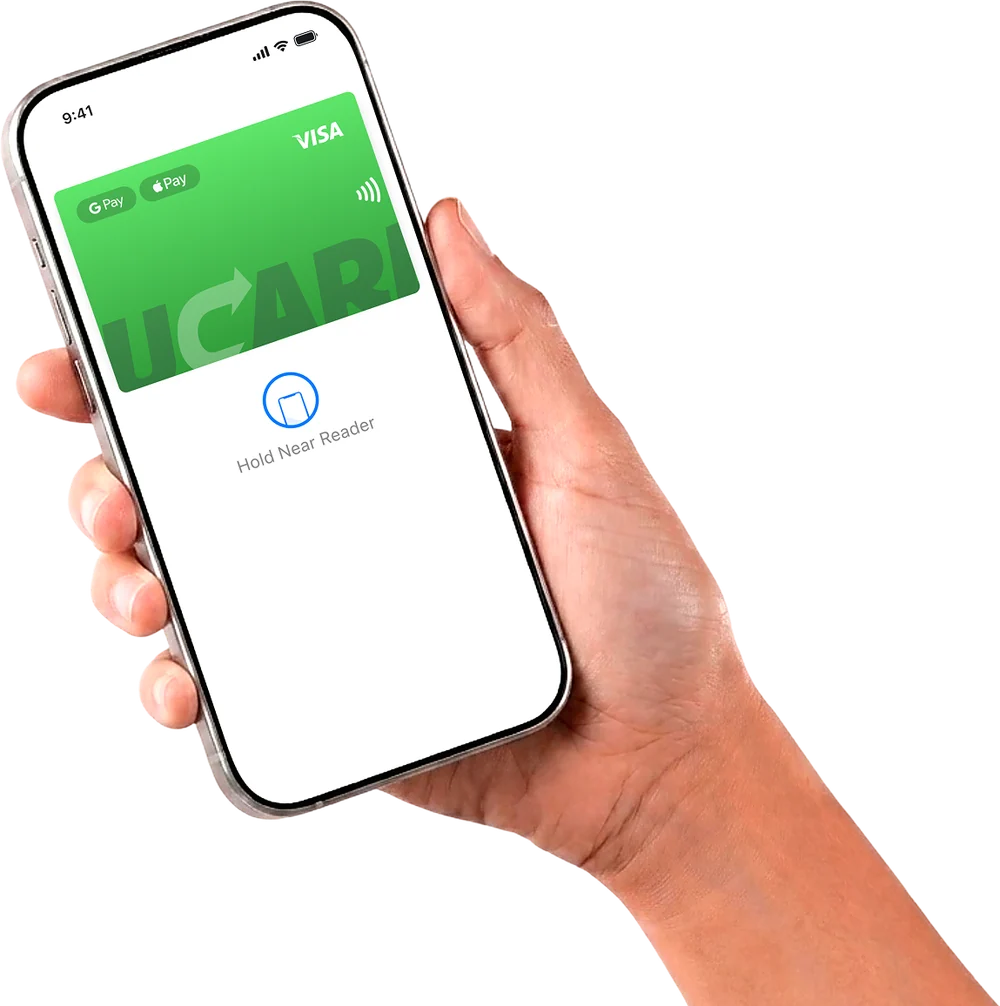
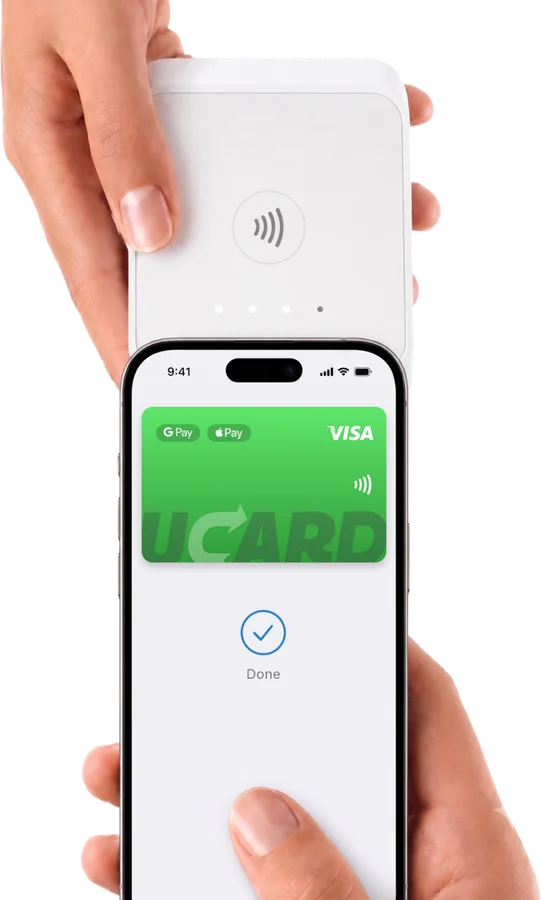
UCARD card in Apple Pay and Google Pay
Paying with a phone at a terminal

How to top up Alipay via Sberbank — why it will not work directly

You cannot top up Alipay via Sberbank or another Russian bank directly — a Russian card cannot be linked to the wallet; Sberbank is needed at a different step: to transfer rubles via SBP to the foreign card that you have linked to Alipay.

What to do if Alipay does not accept the card

If Alipay does not accept the card, check that the card is from a foreign issuer, whether the account verification is complete, whether the balance is sufficient and whether the confirmation code arrives in the Telegram bot.

Russian cardReplace it with a foreign virtual card.
Account not verifiedWait for confirmation of your international passport.
Try linking again in a few minutes.
Issue card

Questions and answers

You cannot do it directly with a Russian card. Link a foreign virtual card and pay from it by QR; top up the card in rubles via SBP.
No — cards of Russian banks are declined when linking. You need a card from a foreign issuer.
Yes: the account is registered with a +7 number, and verification is done with an international passport. Only paying with a Russian card does not work.
Link a foreign card and pay by QR — the wallet is accepted almost everywhere: transport, cafés, shops, museums.
Via a foreign virtual card: issuance in Telegram, top-up via SBP, linking in the wallet — without intermediaries or exchangers.
Usually 1–3 days after uploading your international passport.
Not directly. Sberbank is used for an SBP transfer to the foreign card linked to Alipay.
Alipay does not charge a fee for payments; the conversion into yuan is performed by Visa. UCARD charges a fee for topping up the card (from 2.0% to 5.5%) and $0.50 plus 1.1% of the amount per purchase in yuan.
UCARD app

Issue a UCARD card in a couple of minutes

  • Virtual Visa in Telegram
  • Top-up in rubles via SBP
  • Payments for foreign services
Issue card