


Paying for the App Store and linking a card to Apple ID from Russia
In 2026 you can pay for App Store purchases from Russia with a virtual card from a foreign service: you link it once to an Apple ID with the United States region — after that, apps, subscriptions and in-app purchases are paid for automatically.
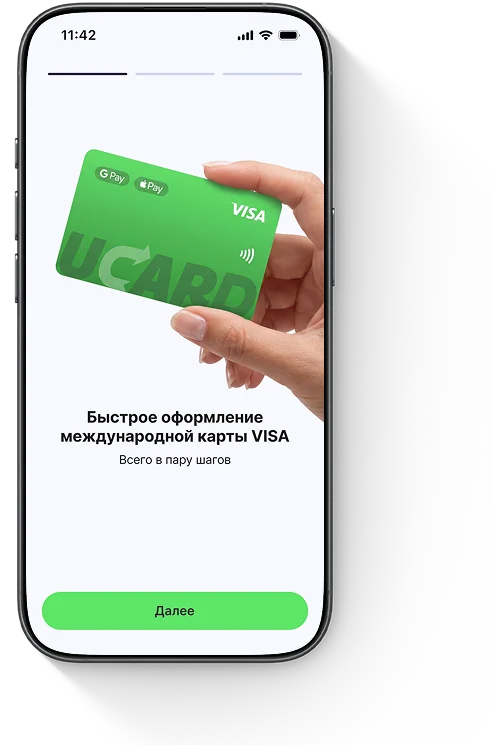
Issue card Issued in 2 minutes in TelegramTop-up in rubles via SBPApple Pay and Google Pay
The App Store has not accepted cards of Russian banks since 2022.
How to link a card to Apple ID — step by step
To link a card to the App Store on iPhone, open your Apple ID settings and add the virtual card as a payment method — the procedure takes a couple of minutes and is the same for iPhone and iPad. One Apple ID payment method is used for the App Store, iCloud+, Apple Music and all subscriptions at once — you do not need separate cards.
How to change your Apple ID region to the US
You can change your Apple ID region to United States in the “Media & Purchases” section, but only with a zero account balance and no active subscriptions.
How to see which card is linked to the App Store
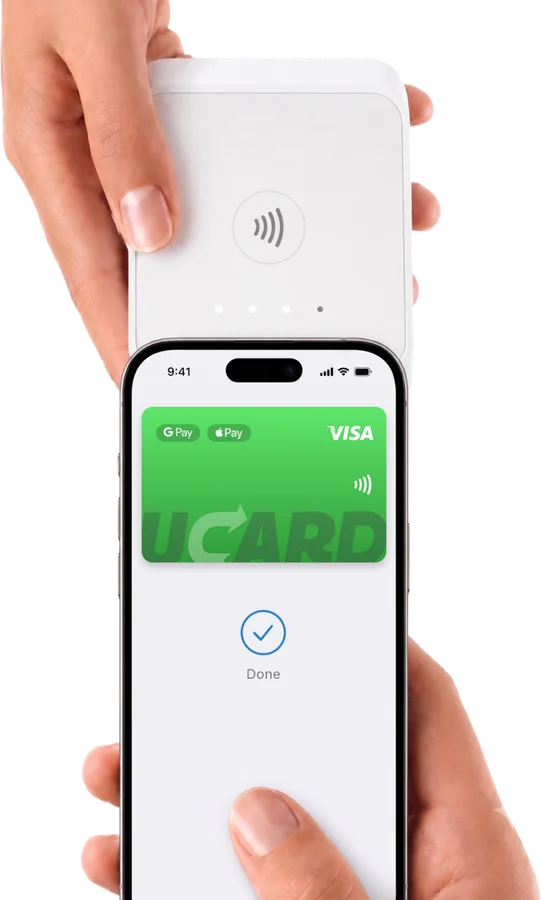
You can check which card is linked to the App Store in the “Payment & Shipping” section of your Apple ID settings: it shows the current payment method and its last digits. If an old Russian card is linked, remove it and add the virtual card — otherwise purchases will not go through.
How to pay for App Store purchases
Once the card is linked, App Store purchases are paid for automatically: when you download a paid app or start a subscription, the amount is charged to the virtual card balance.

Paying for the App Store through a mobile operator — why it is not a solution
Paying for the App Store from your phone balance (MTS, Beeline, MegaFon) is possible only for some Apple services and with the operator’s fee, and for App Store purchases and subscriptions this method is limited. A virtual card is more reliable: it works for all purchases, subscriptions and iCloud, without operator fees or restrictions. Paying through an operator is suitable at most as a one-off solution for individual subscriptions.

What to do if the card will not link
Most often a card will not link to the App Store because the Apple ID region does not match the card region — for a virtual card, set the region to United States.


Questions and answers
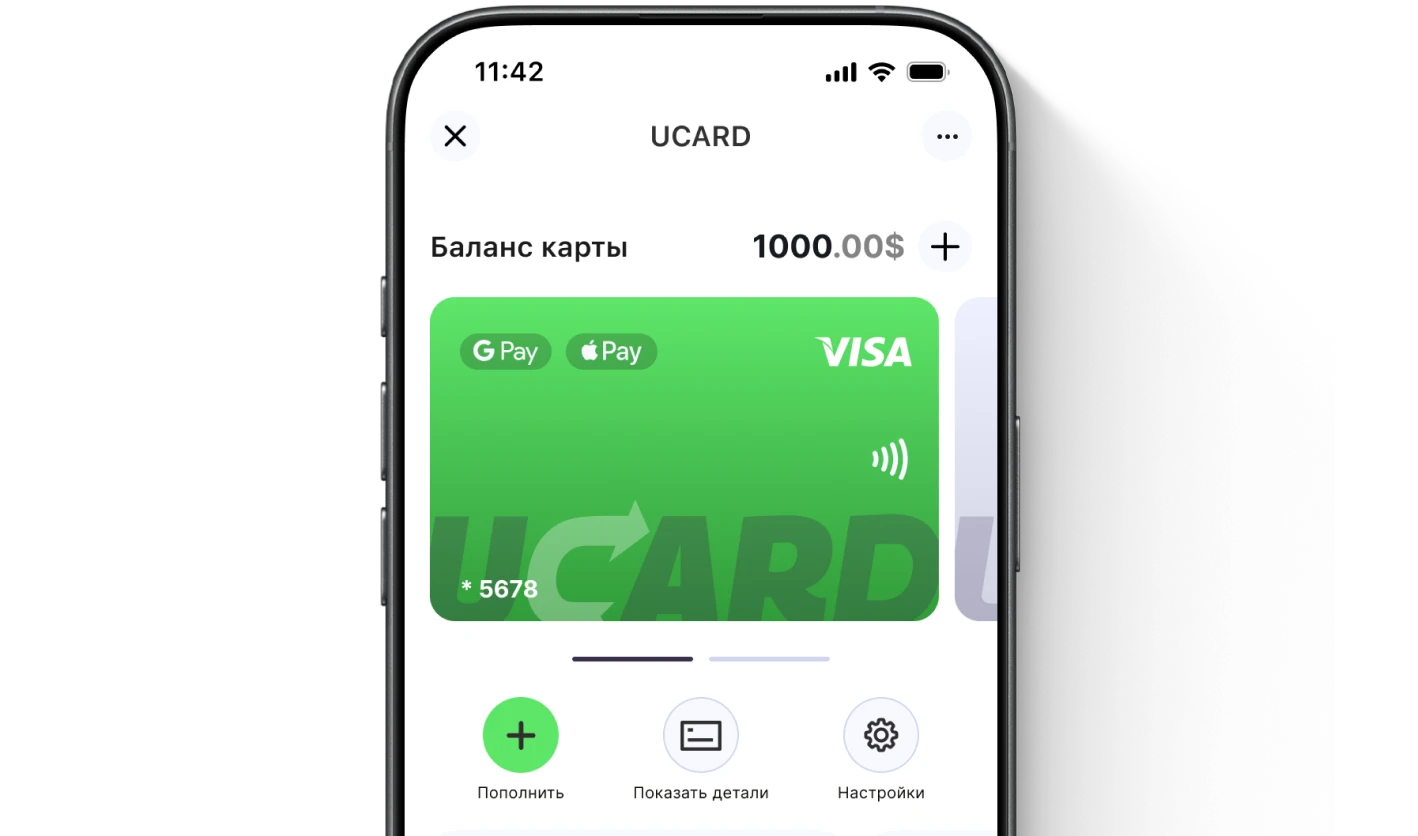
Issue a UCARD card in a couple of minutes
- Virtual Visa in Telegram
- Top-up in rubles via SBP
- Payments for foreign services