
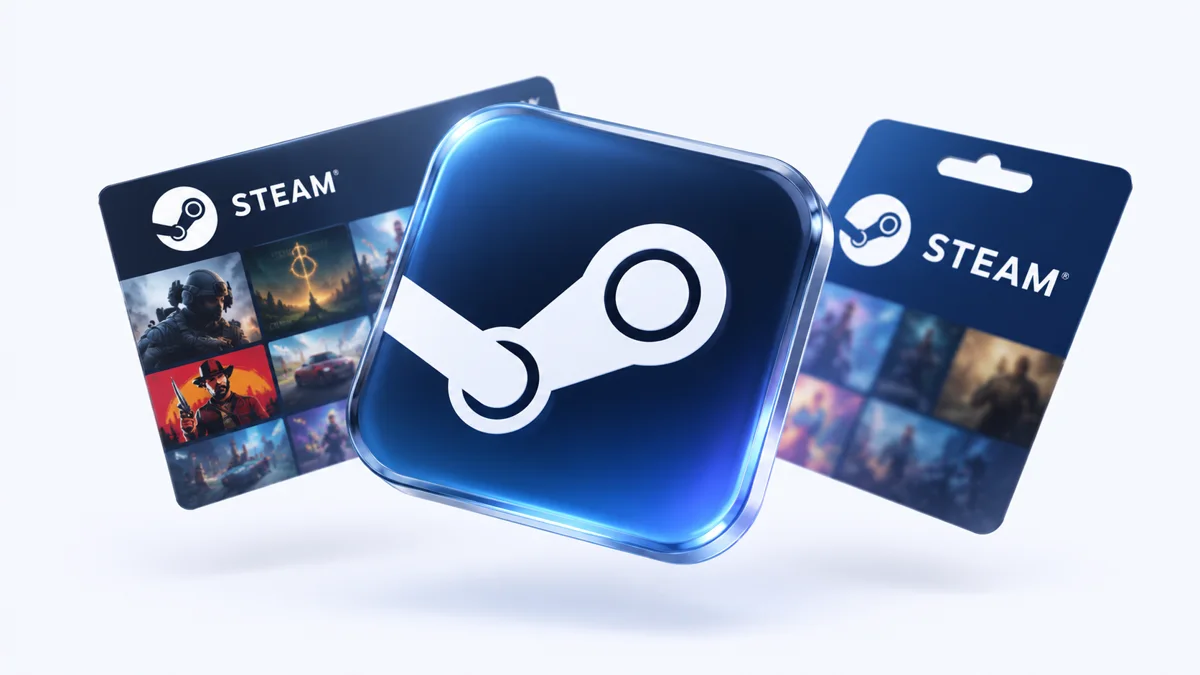
Topping up Steam from Russia: what works in 2026
In 2026 you can top up a Steam wallet in Russia in two ways that work: with a foreign virtual card directly in Steam or with a top-up code — Steam does not accept cards of Russian banks.
Issue card Issued in 2 minutes in TelegramTop-up in rubles via SBPApple Pay and Google Pay
Which method works depends on the account region: for accounts with a region outside Russia, a virtual card pays for games directly; for the Russian region, top-up codes are more reliable.
Why a Russian card does not go through on Steam
Russian cards do not go through on Steam because the Visa and Mastercard payment systems have stopped servicing cards of Russian banks, and Steam does not support Mir cards — a payment method error appears when you pay.
Method 1 — a foreign virtual card (for accounts not from Russia)
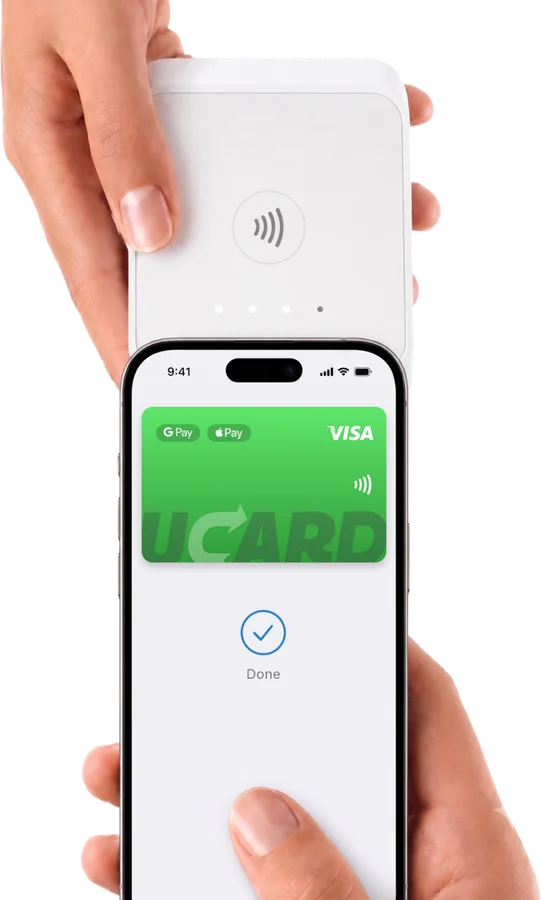
A foreign virtual card pays for games and tops up the Steam wallet directly if the account region is not Russia (for example, Kazakhstan, Turkey, Argentina): Steam sees a foreign card and processes the payment as usual. If your account is in the Russia region, direct top-up by card is not available — Steam will offer only local methods, which do not work. In this case, use method 2.
Method 2 — a Steam wallet top-up code
A Steam top-up code credits the amount to the wallet of any account, including the Russia region — this is a working method for those who do not want to change the region; the codes are sold by digital platforms for rubles, usually with a markup.
- Buy only from trusted platforms — codes bought from individuals often turn out to be used.
- The code must match the currency of the account region.
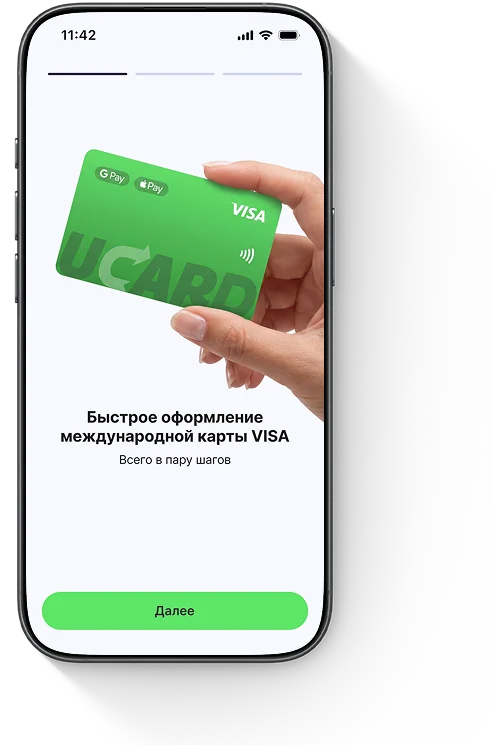
How to top up Steam without a fee
You cannot top up Steam with no fee at all: intermediaries and codes come with a markup, and when paying with a virtual card the fee is charged for topping up the card itself — but paying directly by card has no intermediary markup, so for accounts not from Russia this is the cheapest way.
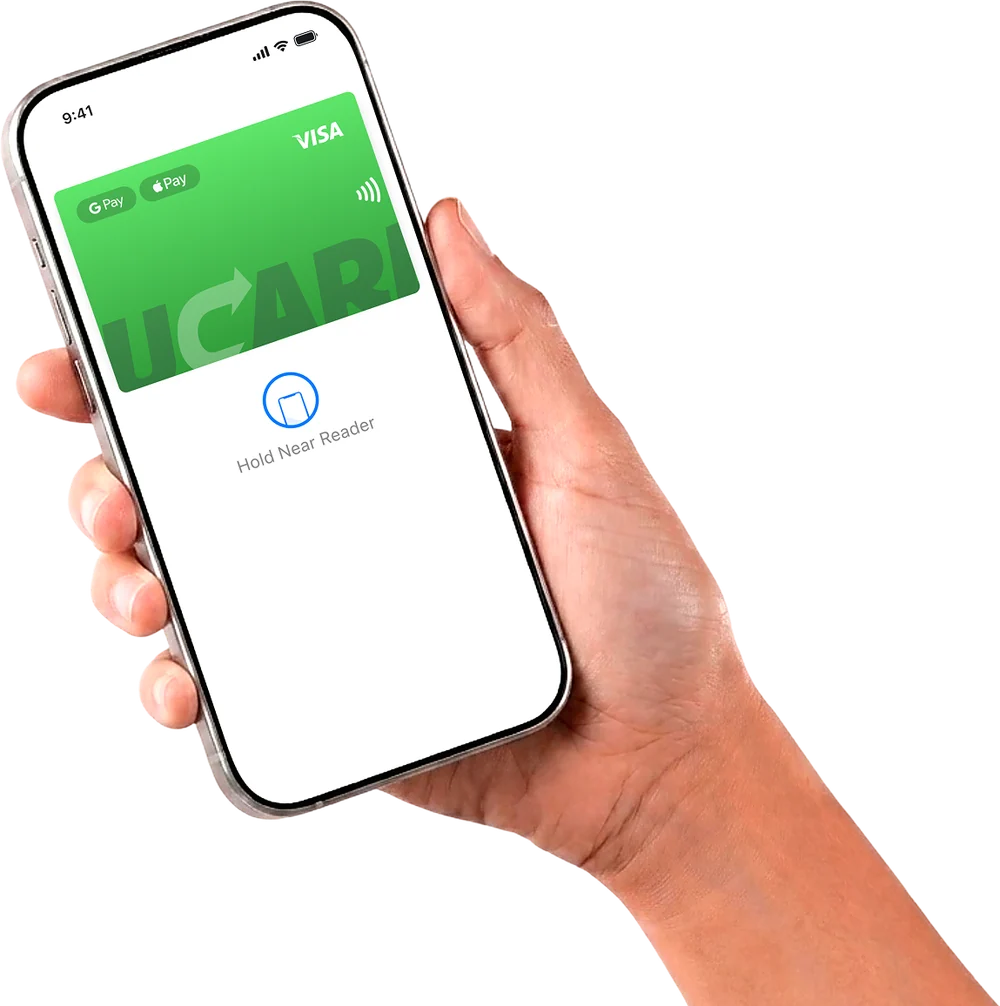
Pre-orders and releases of 2026–2027
Major releases of 2026–2027 — GTA 6 (November 19, 2026), Resident Evil 9, Forza Horizon 6 — are available for pre-order on Steam with a foreign card on accounts not from Russia; for the Russian region, some games are unavailable in the store regardless of the payment method.
Questions and answers
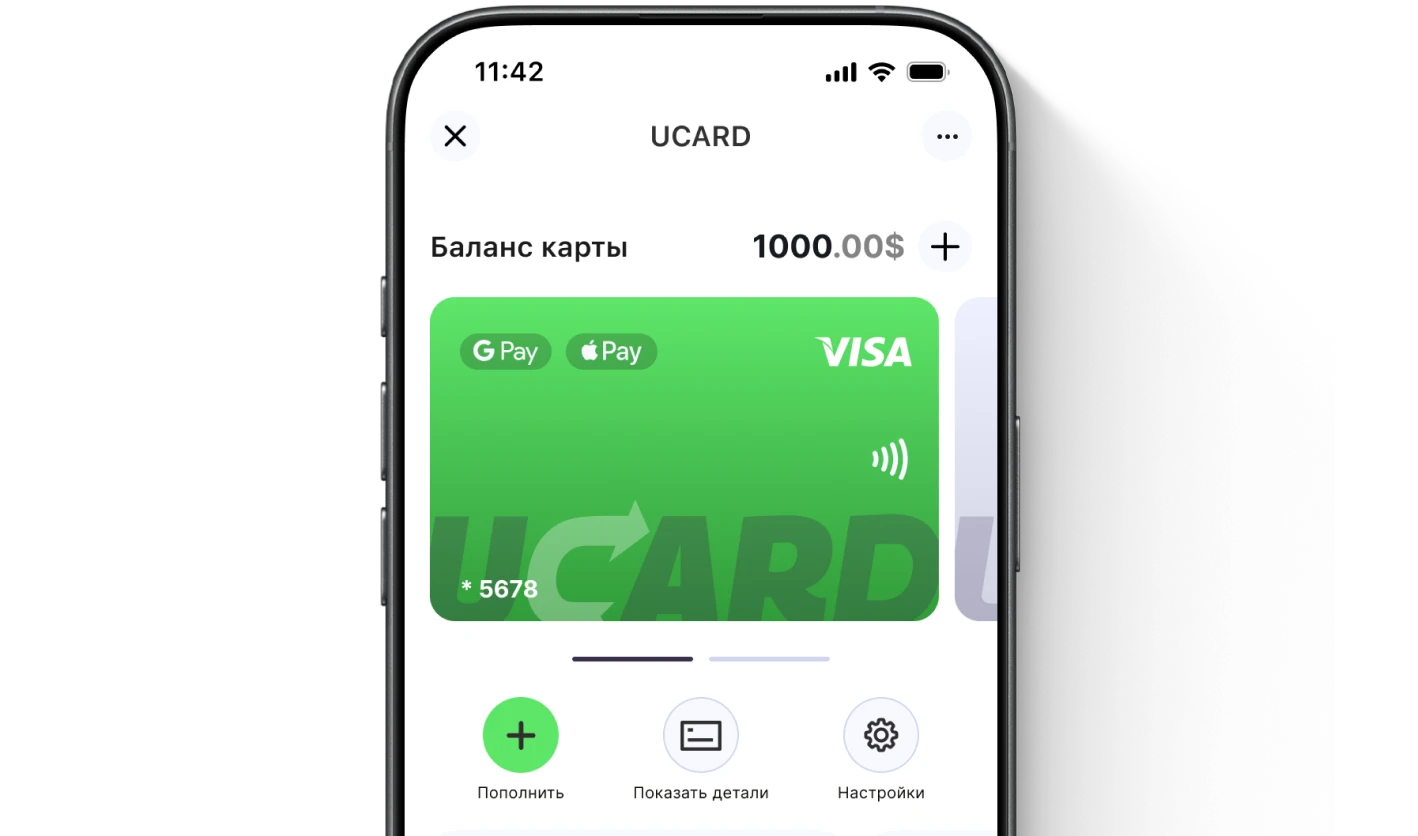
Issue a UCARD card in a couple of minutes
- Virtual Visa in Telegram
- Top-up in rubles via SBP
- Payments for foreign services