
Paying for Suno AI from Russia: how to buy a neural network subscription
In 2026 you can pay for Suno in Russia with a virtual card from a foreign service: a subscription to the music-generating neural network is purchased on the Suno website with a card issued outside Russia and renews automatically. Suno does not accept Russian cards, and the Pro subscription itself costs about $10 per month.
Issue card Issued in 2 minutes in TelegramTop-up in rubles via SBPApple Pay and Google Pay
How much a Suno subscription costs
Prices are approximate as of September 2026; annual payment is cheaper. You will see the exact amount in rubles in the UCARD app before you confirm.
| Plan | What it gives | Price/month (guide) |
|---|---|---|
| Free | limited credits, non-commercial use | $0 |
| Pro | more credits, commercial rights | ≈$10 |
| Premier | maximum credits, generation priority | ≈$30 |
How to pay for Suno with a virtual card — step by step
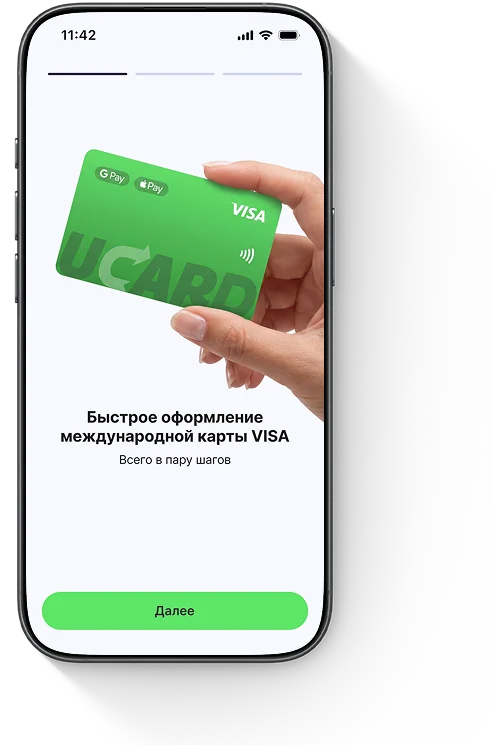
To pay for Suno AI, link the virtual card when choosing a plan on suno.com — the payment will go through immediately, and the subscription renews monthly.

What to do if a Suno payment does not go through
If a Suno payment does not go through, most often the balance is insufficient once the fee and conversion are taken into account, less often the billing address is incorrect; access to the website from Russia may require a VPN, but the card payment does not depend on it.
Questions and answers
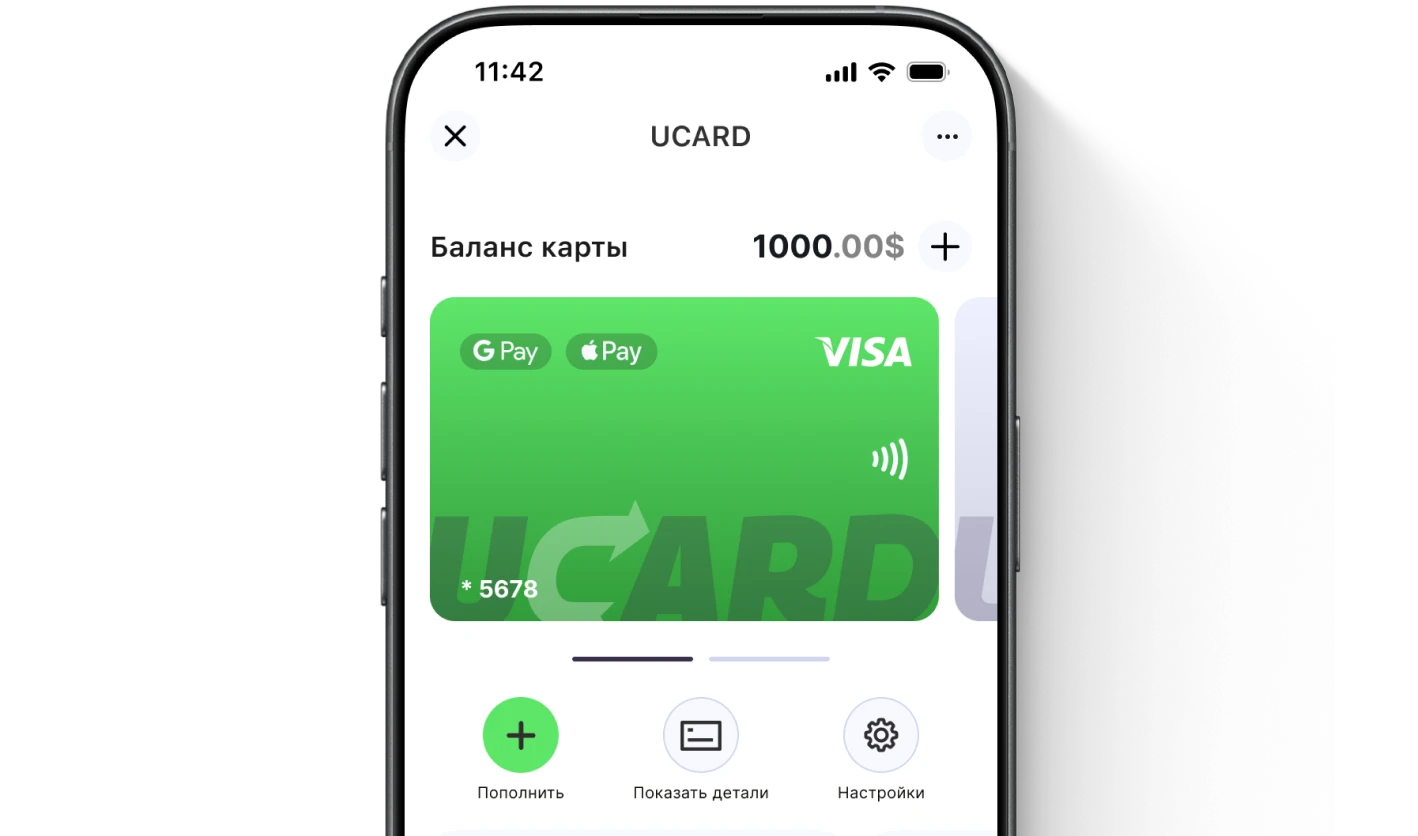
Issue a UCARD card in a couple of minutes
- Virtual Visa in Telegram
- Top-up in rubles via SBP
- Payments for foreign services