


Paying for games: by card directly or with top-up codes
Paying for games with a foreign card directly costs no intermediary markup and gives you control over the account, while buying currency and keys from intermediary platforms works for any account region, but with a markup and the risk of used codes — the choice depends on your account region. Below is how to choose a method and what to do in each case.
Issue card Issued in 2 minutes in TelegramTop-up in rubles via SBPApple Pay and Google Pay
Paying by card directly or through an intermediary
Paying for games with a foreign card directly costs no intermediary markup and gives you control over the account, while buying currency and keys from intermediary platforms works for any account region, but with a markup and the risk of used codes — the choice depends on your account region.


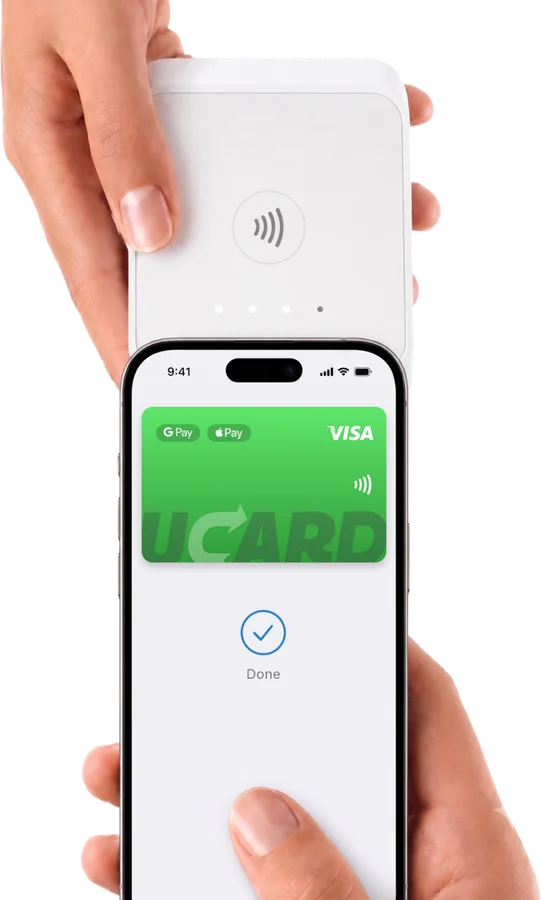
Method 1 — a foreign virtual card (for accounts not from Russia)
A foreign virtual card pays for games and tops up the Steam wallet directly if the account region is not Russia (for example, Kazakhstan, Turkey, Argentina): Steam sees a foreign card and processes the payment as usual. If your account is in the Russia region, direct top-up by card is not available — Steam will offer only local methods, which do not work. In this case, use method 2.
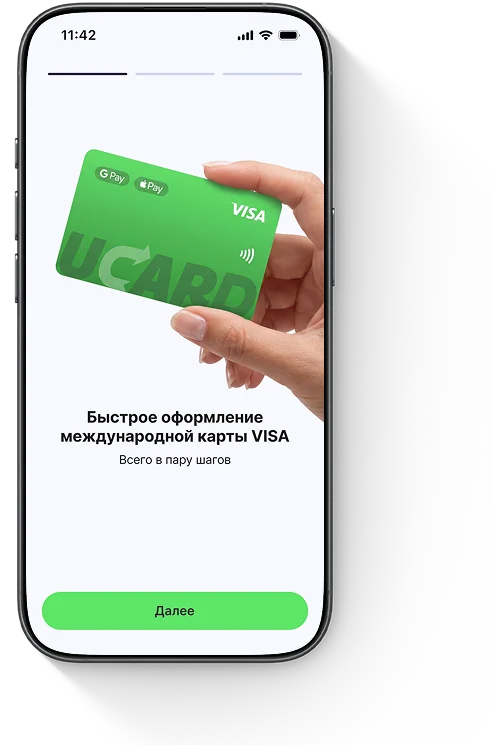
Method 2 — a Steam wallet top-up code
A Steam top-up code credits the amount to the wallet of any account, including the Russia region — this is a working method for those who do not want to change the region; the codes are sold by digital platforms for rubles, usually with a markup.
- Buy only from trusted platforms — codes bought from individuals often turn out to be used.
- The code must match the currency of the account region.
Questions and answers
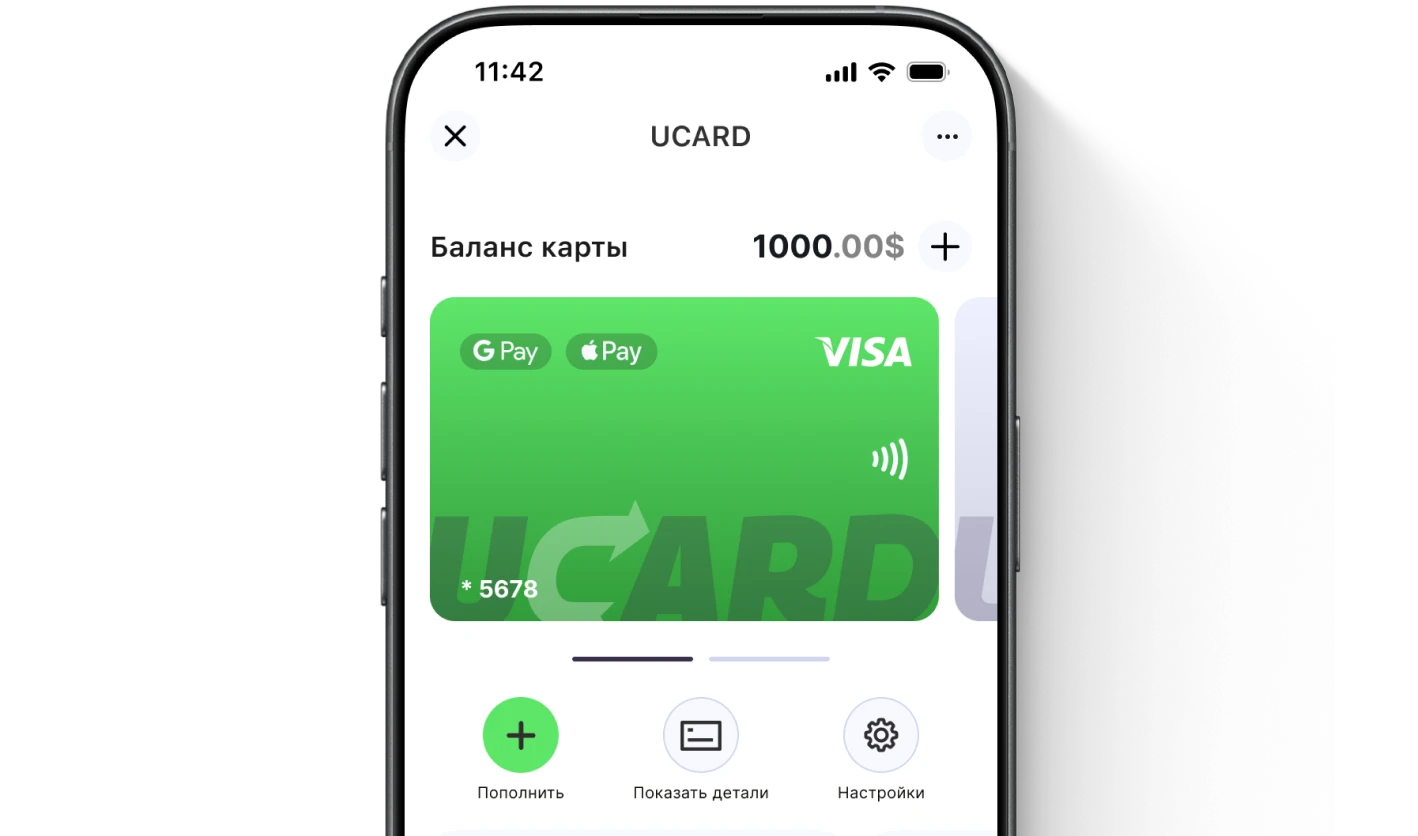
Issue a UCARD card in a couple of minutes
- Virtual Visa in Telegram
- Top-up in rubles via SBP
- Payments for foreign services