In-game purchases and top-ups in mobile games

In-game purchases in mobile games and services from Russia: how to pay

You can make in-game purchases in a mobile game from Russia through the game's official top-up center or an app store with a linked foreign card — game stores do not accept cards of Russian banks. Below is what you can pay for and how to link a card on Google Play and the App Store.

Issue card
Issued in 2 minutes in Telegram
Top-up in rubles via SBP
Apple Pay and Google Pay

What you can pay for with a foreign virtual card

A foreign virtual card pays not only for Steam, but also for in-game purchases, subscriptions and in-app purchases in other services.

1
How to top up a Steam wallet in Russia.
2
How to buy Telegram Stars (telegram stars) by username.
3
How to make in-game purchases in Genshin Impact in Russia.
4
How to pay for Telegram Premium.
5
How to pay for Roblox from Russia.
6
How to pay for PlayStation Plus and PS Store.
7
How to pay for Xbox Game Pass in Russia.
8
Battle.net, Epic Games, Discord Nitro.

Android: linking a card on Google Play

A virtual card from a foreign service is added to Google Play like a regular foreign card and pays for apps, subscriptions and in-game purchases with auto-renewal.

1
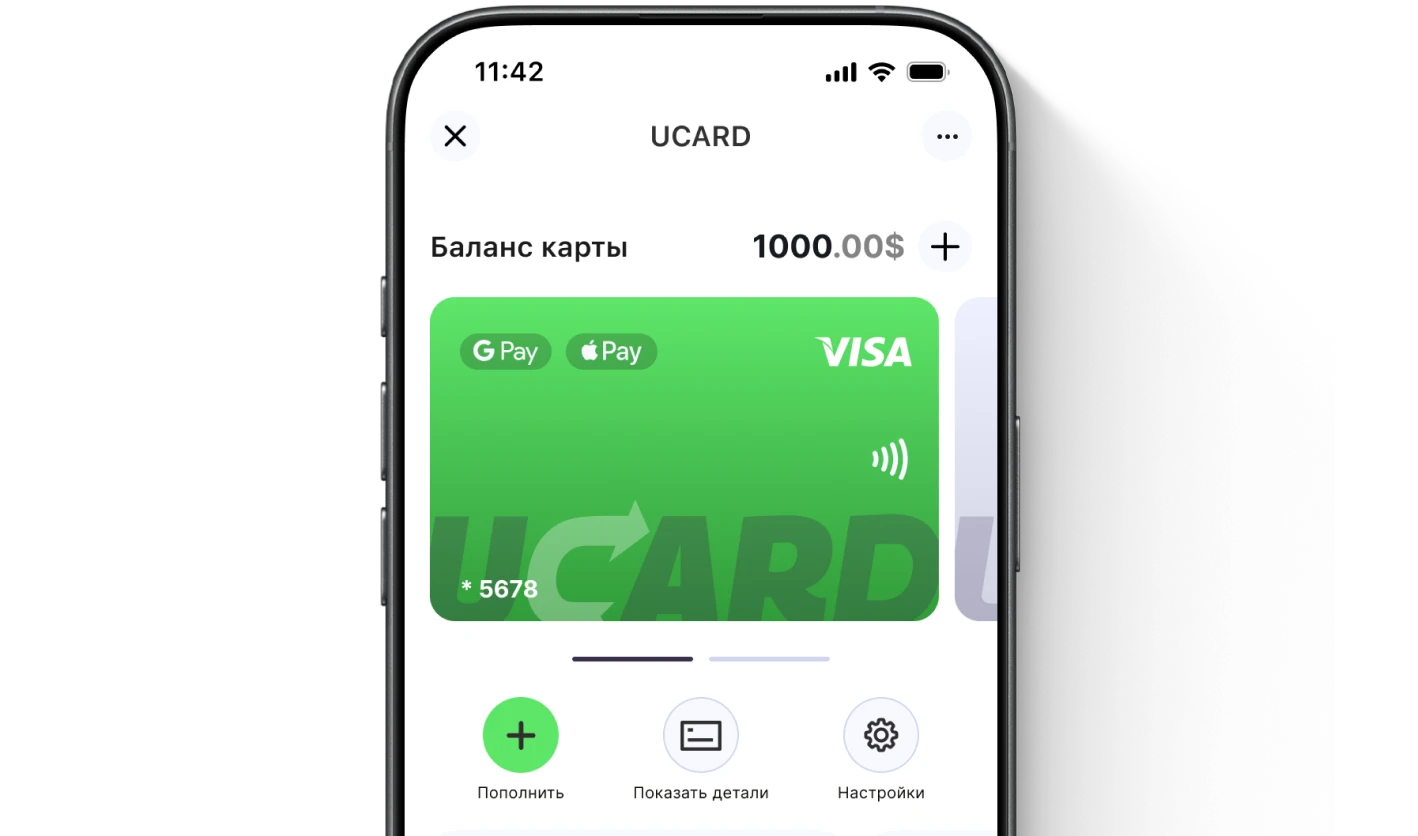
Issue a UCARD virtual card in Telegram (free of charge) and top up the balance via SBP.
2
In your Google account, create a payments profile for the card's country (or use an existing non-Russian one).
3
Open Google Play → avatar → "Payments & subscriptions" → "Payment methods" → "Add card".
4
Enter the number, expiry date and CVV from the UCARD app and save.
5
Purchases and subscriptions will be charged to the card balance automatically.

iPhone: linking a card to Apple ID for the App Store

To link a card to the App Store on iPhone, open your Apple ID settings and add the virtual card as a payment method — the procedure takes a couple of minutes and is the same for iPhone and iPad. One Apple ID payment method is used for the App Store, iCloud+, Apple Music and all subscriptions at once — you do not need separate cards.

1
Issue a UCARD virtual card in Telegram (free of charge) and top up the balance via SBP.
2
Open "Settings" → your name → "Payment & Shipping".
3
Make sure your Apple ID region isUnited States ("Media & Purchases" → "View Account" → "Country/Region").
4
Tap "Add Payment Method" and enter the card number, expiry date and CVV from the UCARD app.
5
Enter a US-format billing address (any valid address will do) and confirm — the code will arrive in the Telegram bot.

What to do if the card cannot be added

If the card cannot be added to Google Play, check that it is not a Russian card, whether the payments profile country matches the card and whether the balance is sufficient.

Replace a Russian card with a foreign virtual one.
The Google payments profile country must match the card.
Top up the balance in advance.
Issue card
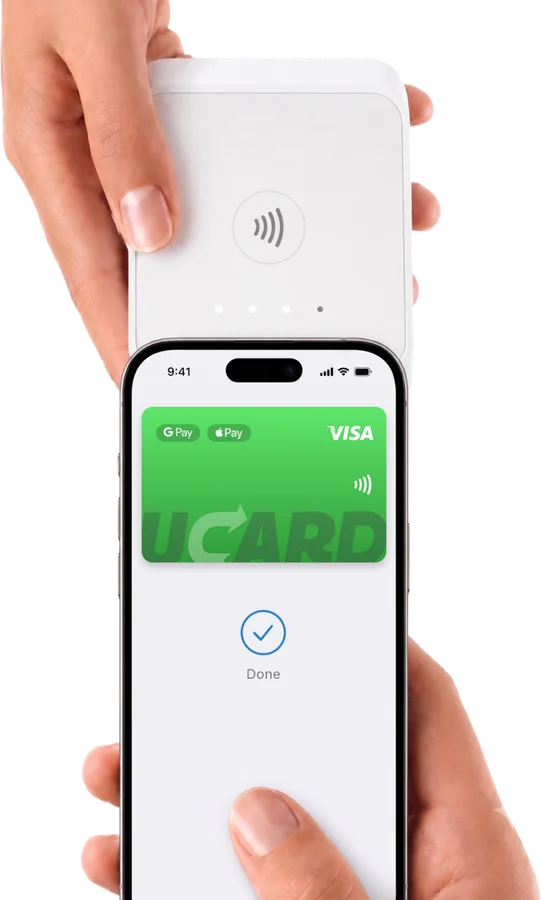
Paying with a phone at a terminal

Questions and answers

Through the game's official top-up center or an app store with a linked foreign card — details are in the guides for each game.
No, game stores decline cards of Russian banks. You need a foreign virtual card or a top-up code.
From trusted platforms — yes, but with a markup; never share your account details.
UCARD app

Issue a UCARD card in a couple of minutes

  • Virtual Visa in Telegram
  • Top-up in rubles via SBP
  • Payments for foreign services
Issue card